
MergeLoom Docs for Ticket-to-Code Automation
Operator docs
Use these docs to get from a clean environment to your first PR or MR with validation evidence from MergeLoom ticket-to-code automation.
Use the MergeLoom controller at https://controller.mergeloom.ai to create
your account, choose Cloud Hosted or Self Hosted execution, connect
integrations, configure workflow rules, and watch runs.
Know Which UI You Are Using
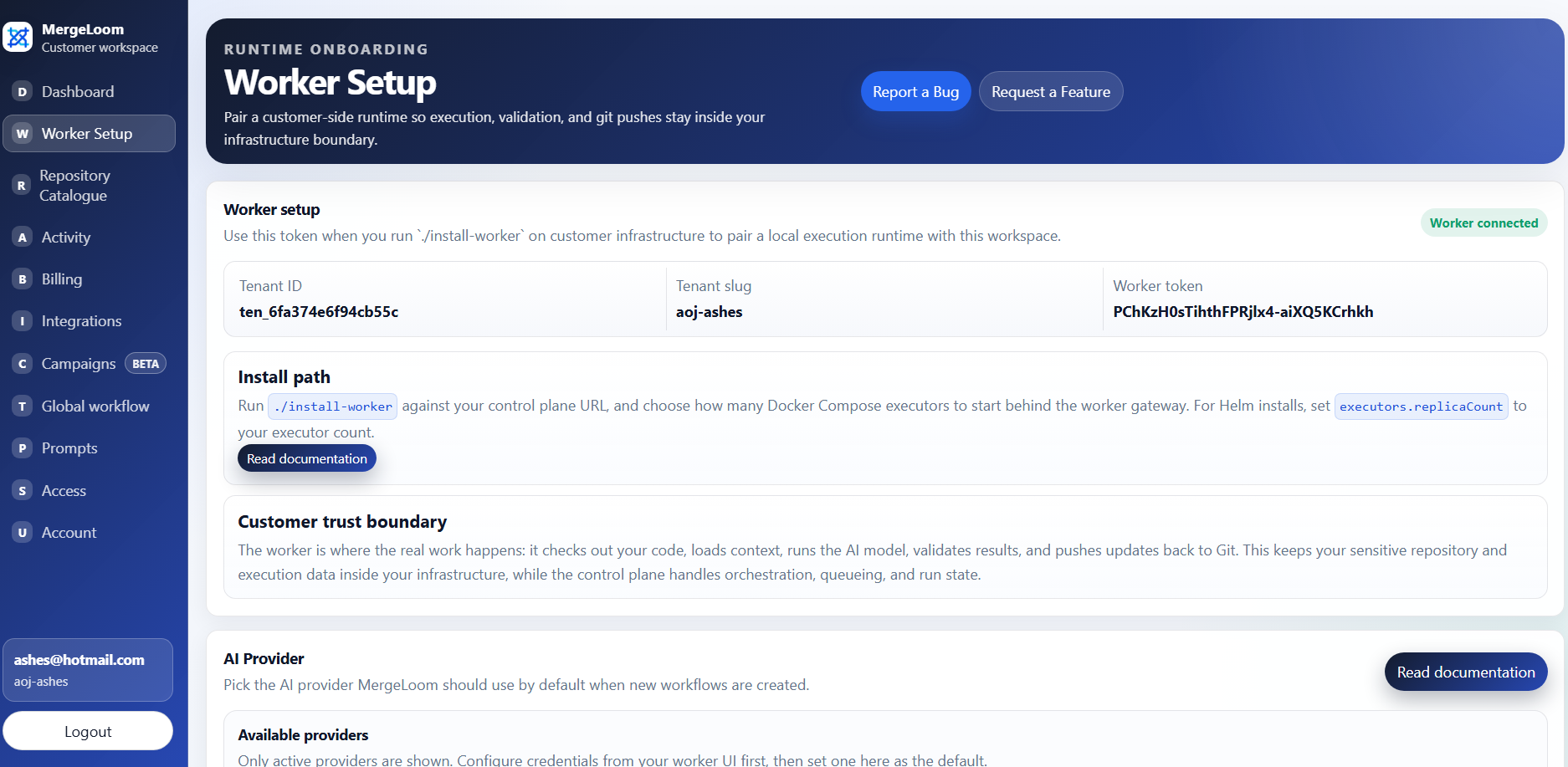
The customer controller is at https://controller.mergeloom.ai.
Use it for accounts, integrations, execution mode, workflow rules,
repository settings, Cloud Hosted audit, and controller audit. For Self Hosted, the local worker
UI is available only after you install the worker, usually at
http://127.0.0.1:8010/ or through an SSH tunnel to that port.
Cloud Hosted audit lives in the customer controller. Self Hosted ticket
and code audit live in the local worker UI.
The fastest Cloud Hosted route is:
- Create a workspace.
- Connect your work tracker and code host.
- Configure intake labels and workflow states.
- Add the label to a ticket and watch MergeLoom create the review request.
For Self Hosted, install the worker and configure your approved provider before running the first ticket.
Start Here
Section titled “Start Here”- What is MergeLoom?
- Quickstart
- Cloud Hosted execution
- Self Hosted worker execution
- Connect integrations
- Workflow states and intake
- Workflow and Quality Agents
- Run your first job
- Where to find audits
- Code audit
What These Docs Cover
Section titled “What These Docs Cover”These docs are written for engineering leads, platform engineers, and workspace admins who need to prove MergeLoom safely in a real workflow.
They focus on what customers need to operate MergeLoom:
- Cloud Hosted execution with MergeLoom-managed workers
- Self Hosted worker execution
- Docker Compose and Kubernetes worker deployment paths for Self Hosted
- worker-local provider setup for Self Hosted
- Jira, GitHub Issues, GitLab Issues, monday.dev, Linear, and Azure Boards intake
- GitHub, GitLab, and Azure Repos review output
- labels, comments, and workflow state changes
- repository rules, validation commands, and Quality Agent controls
- Cloud Hosted versus Self Hosted audit access
- Ticket Audit and Code Audit evidence
Choose the Right Path
Section titled “Choose the Right Path”| If you want | Start with |
|---|---|
| The fastest hosted path | Cloud Hosted execution |
| Execution inside your own boundary | Self Hosted worker execution |
| Labels, statuses, comments, and routing | Workflow states and intake |
| Clarity scoring, investigation, repair, review, and diff guard | Workflow and Quality Agents |
| Run evidence and line attribution | Where to find audits |
Public Installer Sources
Section titled “Public Installer Sources”The public worker install sources are available here:
- Docker Compose installer: MergeLoom/mergeloom-worker-install
- Helm chart source: MergeLoom/mergeloom-worker-helm-chart
- Worker image:
mergeloom/mergeloom:1.0
For production Kubernetes installs, the Helm chart supports
secret.existingSecretName so enrollment tokens and provider API keys can come
from your cluster secret workflow instead of Helm values.