
Connect Work Trackers And Code Hosts
MergeLoom integrates with your existing delivery tools so tickets can move from Jira, GitHub Issues, GitLab Issues, monday.dev, Linear, or Azure Boards into code review.
Supported current paths include:
- Jira intake
- monday.dev intake
- GitHub Issues intake
- GitLab Issues intake
- Linear intake
- Azure Boards intake
- GitHub PR output
- GitLab MR output
- Azure Repos PR output
This Is in the Customer Controller
Connect work trackers and code hosts from
https://controller.mergeloom.ai. The local worker UI is for
worker/provider setup; integrations live in the customer controller.
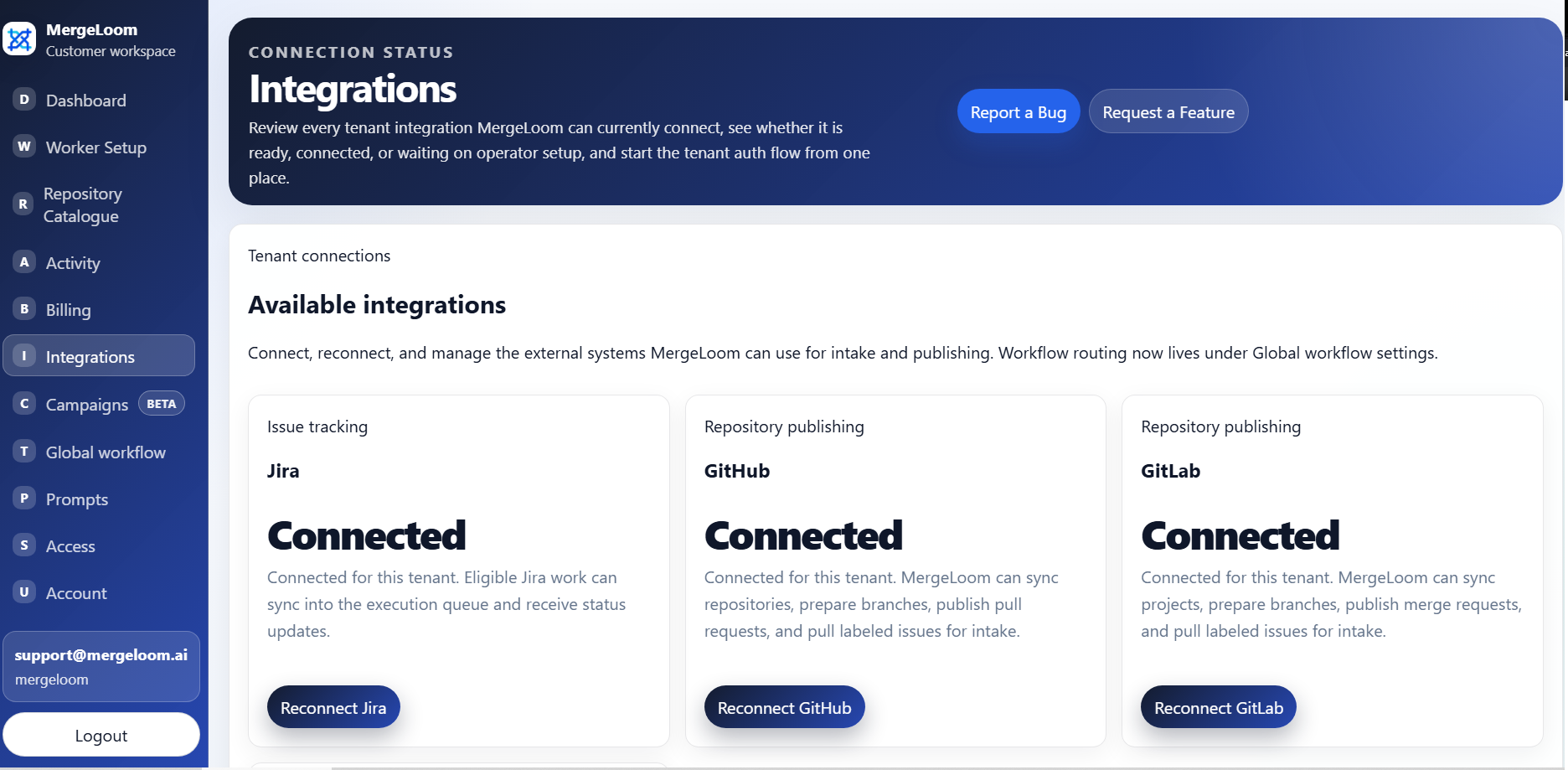
Integration Model
Section titled “Integration Model”There are two different integration roles:
| Role | Examples | What it does |
|---|---|---|
| Work tracker | Jira, GitHub Issues, GitLab Issues, monday.dev, Linear, Azure Boards | Supplies tickets or issues for intake. |
| Code host | GitHub, GitLab, Azure Repos | Supplies repositories and receives PRs or MRs. |
Some tools can be both intake source and code host. For example, GitHub Issues can be intake and GitHub can be PR output.
Jira uses an Atlassian OAuth app.
Callback URL pattern:
https://controller.mergeloom.ai/api/integrations/jira/callbackRequested scopes:
read:jira-userread:jira-workwrite:jira-workoffline_accessUse Jira when:
- Jira is your source of truth for work
- you want JQL intake
- you want Jira comments and status transitions to reflect MergeLoom progress
monday.dev
Section titled “monday.dev”monday.dev uses monday.com OAuth.
Callback URL:
https://controller.mergeloom.ai/api/integrations/monday/callbackDefault scopes:
me:read account:read workspaces:read boards:read boards:write updates:read updates:writeUse monday.dev when:
- monday.com boards are your source of truth for work
- you want board items to enter the same controlled ticket-to-code workflow
- you want MergeLoom to update item comments and status labels as work moves
GitHub
Section titled “GitHub”GitHub uses a GitHub App.
The app is used for:
- GitHub issue intake
- repository clone/fetch/push
- PR creation and updates
Recommended minimum repository permissions:
| Permission | Access |
|---|---|
| Contents | Read and write |
| Pull requests | Read and write |
| Issues | Read and write |
| Metadata | Read-only |
Install callback URL:
https://controller.mergeloom.ai/api/integrations/github/callback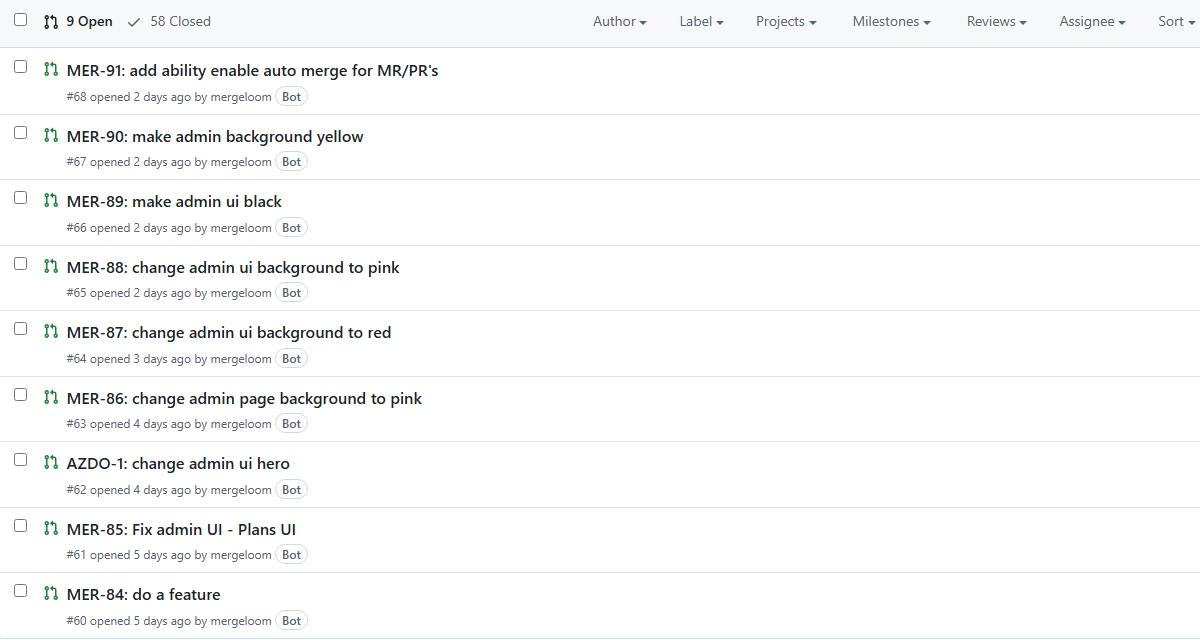
GitLab
Section titled “GitLab”GitLab uses OAuth.
Callback URL:
https://controller.mergeloom.ai/api/integrations/gitlab/callbackUse GitLab when:
- GitLab Issues are your intake source
- GitLab repositories are your execution target
- Merge requests are your review output
Azure Boards
Section titled “Azure Boards”Azure Boards uses an Entra app.
Redirect URI:
https://controller.mergeloom.ai/api/integrations/azure-boards/callbackDefault scope:
499b84ac-1321-427f-aa17-267ca6975798/user_impersonation offline_accessThe connected account needs enough Azure DevOps access for:
- reading work items
- adding comments
- changing states
Azure Repos
Section titled “Azure Repos”Azure Repos is a code host output path. Use it when MergeLoom should push a review branch and open an Azure Repos pull request after the worker completes the implementation.
The connected Azure DevOps account needs enough access for:
- reading repository metadata
- cloning and fetching the target repository
- pushing review branches
- opening and updating pull requests
Use Azure Boards for intake and Azure Repos for PR output when Azure DevOps is both your work tracker and your code host.
Linear
Section titled “Linear”Linear is a work tracker intake path.
Callback URL:
https://controller.mergeloom.ai/api/integrations/linear/callbackUse Linear when:
- Linear issues are your source of truth for ready work
- you want MergeLoom to follow Linear labels, assignment, and status rules
- you want ticket comments and run outcomes to stay attached to the issue
Confluence
Section titled “Confluence”Confluence is a context source, not a PR output path.
Callback URL pattern:
https://controller.mergeloom.ai/api/integrations/confluence/callbackUse Confluence when:
- product requirements, runbooks, or architecture notes live in Confluence
- repository or workspace context should point the worker at approved pages
- you want context to be fetched job-by-job instead of copied into every ticket
Connect in the MergeLoom Controller
Section titled “Connect in the MergeLoom Controller”From https://controller.mergeloom.ai:
- Open the integrations page.
- Connect the work tracker.
- Connect the code host.
- Confirm the connection shows as ready.
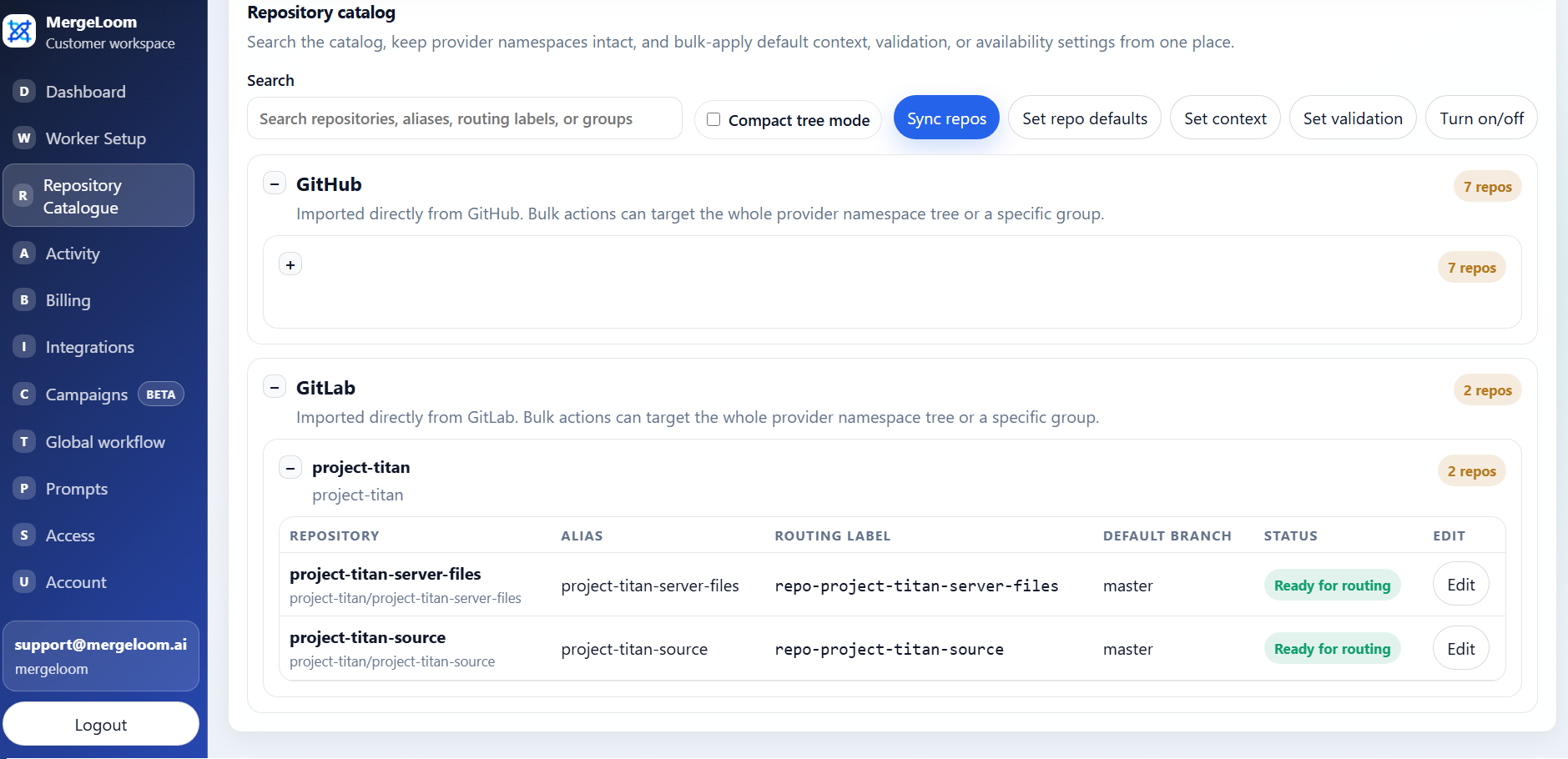
- Sync the repository catalog if a code host was connected.
After Connecting
Section titled “After Connecting”Next, configure:
- global intake source
- code output target
- repository catalog
- repository aliases
- workflow labels and states
- validation commands
Do not run a real job until the target repository is enabled and writable in the repository catalog.
For deeper setup details, see Integrations overview.