
MergeLoom Quickstart
This guide gives you the shortest path to your first MergeLoom ticket-to-code job.
Use this path when you want to prove the workflow before tuning every repository rule.
Controller First
Use the customer controller at https://controller.mergeloom.ai
for account setup, execution mode, integrations, workflow rules, Cloud
Hosted audit, and controller audit. For Self Hosted, use the local worker UI at
http://127.0.0.1:8010/ after install for provider setup and
worker-local run status.
Before You Start
Section titled “Before You Start”For Cloud Hosted, you need:
- access to a work tracker, such as Jira, GitHub Issues, GitLab Issues, monday.dev, Linear, or Azure Boards
- access to a code host, such as GitHub, GitLab, or Azure Repos
- one small test repository where MergeLoom can create a branch and review request
For Self Hosted, you also need:
- a Linux host for the worker
- Docker Engine and Docker Compose
- an AI provider you are allowed to use
Quick Path
Section titled “Quick Path”-
Create your account at
https://controller.mergeloom.ai/register, or sign in athttps://controller.mergeloom.ai/login. -
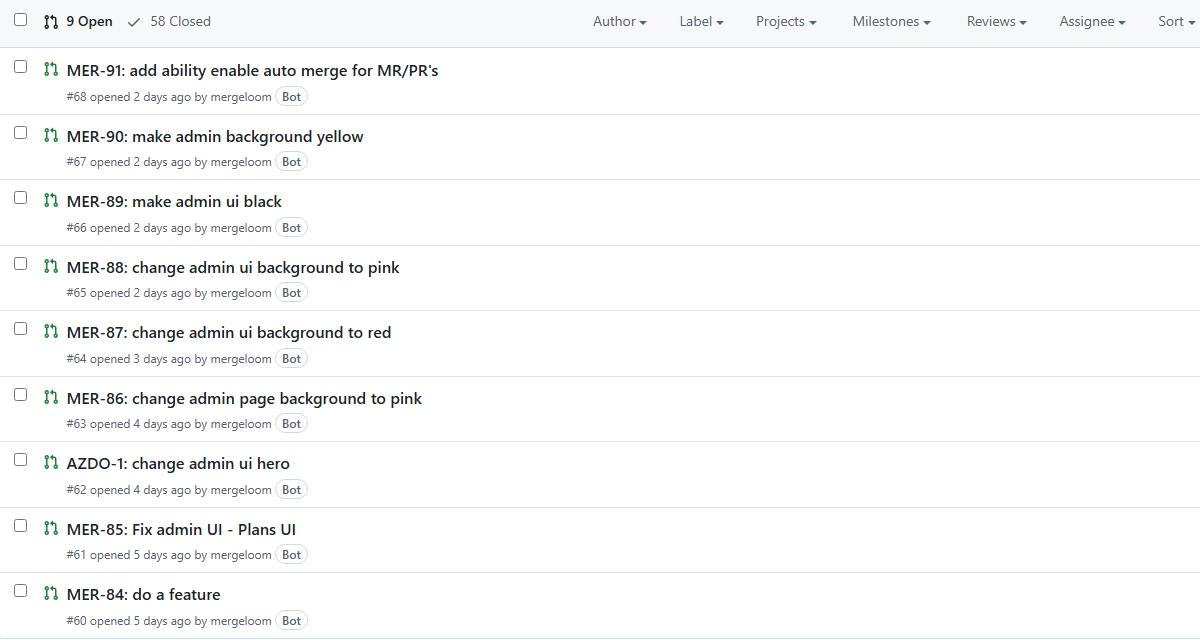
Open your MergeLoom workspace in the customer controller and connect your work tracker and code host.
-
Choose Cloud Hosted for the fastest first run.
-
Configure intake rules in the MergeLoom controller.
-
Add the managed intake label to a small ticket or issue.
mergeloom -
Watch the run in the MergeLoom controller.
Cloud Hosted run visibility is in the controller:
- Cloud Runtime shows the live run.
- Audit shows Ticket Audit, Code Audit, and Controller Audit.
- Billing shows cloud AI credits and renewal state.
For Self Hosted, complete these steps before configuring intake rules:
-
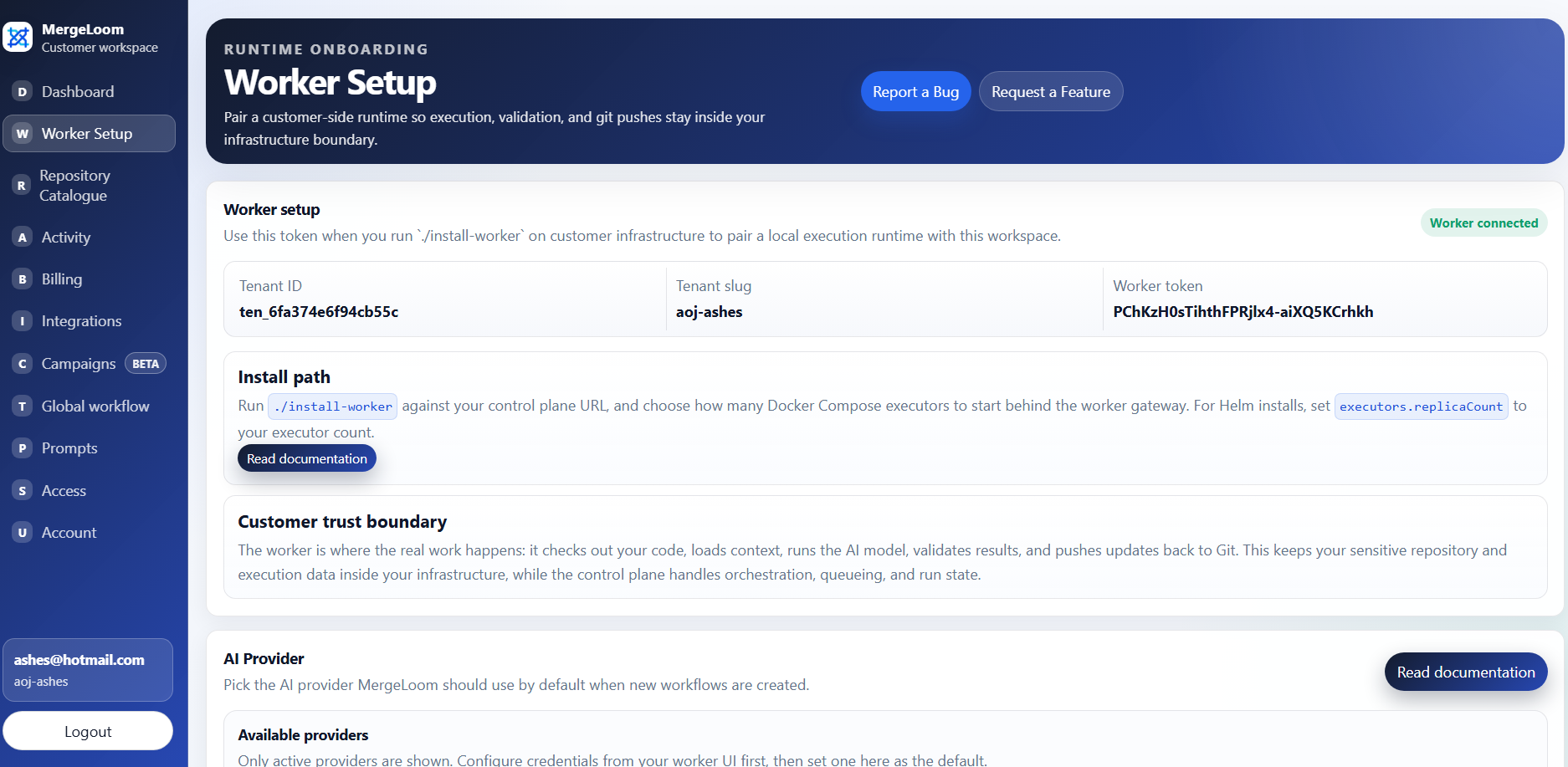
Copy the workspace slug and worker enrollment token from the worker setup page.
-
Start the worker from the public worker Compose installer repository.
Terminal window git clone https://github.com/MergeLoom/mergeloom-worker-install.gitcd mergeloom-worker-install./install.shThe first run creates
.envand stops. SetJCA_WORKER_CONTROL_PLANE_URLtohttps://controller.mergeloom.ai, add your workspace slug, enrollment token, and worker name, then run./install.shagain. -
Open the worker UI, usually:
http://127.0.0.1:8010/ -
Configure an AI provider from the worker provider page.
Self Hosted run visibility is split:
- the controller shows intake, routing, queue, and PR/MR coordination events
- the local worker UI shows live run state, Ticket Audit, Code Audit, and worker-local traces
Recommended First Test Ticket
Section titled “Recommended First Test Ticket”Keep the first ticket narrow and easy to validate.
Good first ticket:
Title: Add a health-check message to the README
Body:Update README.md with a short "Local health check" section.Keep the change under 30 lines.Run the repository's formatting or test command before opening the PR.
Avoid using the first run for:
- broad refactors
- multi-repository changes
- ambiguous product requirements
- work that cannot be validated by commands or human review
Expected Success State
Section titled “Expected Success State”A successful first run should leave you with:
- a ticket comment showing MergeLoom activity
- a run visible in the MergeLoom controller
- for Self Hosted, a worker run in the local worker UI
- a branch pushed to the code host
- a PR or MR ready for human review
- validation output or a clear blocked/failure reason
Next Steps
Section titled “Next Steps”After the first run:
- add repository validation commands
- tune workflow state mappings
- tune Quality Agents
- add organization, repository, and related service context
- decide whether Cloud Hosted or Self Hosted is the right rollout path
- add Slack or Teams review notifications
Useful next pages: