
AI coding agents are only as useful as the work they are given. A vague ticket can lead to a vague implementation, even when the model is strong. A clear ticket gives the agent scope, intent, constraints, and a review target.
This template is designed for Jira, GitHub Issues, GitLab Issues, Linear, Azure Boards, monday.dev, or any tracker that feeds coding work into a PR/MR workflow.
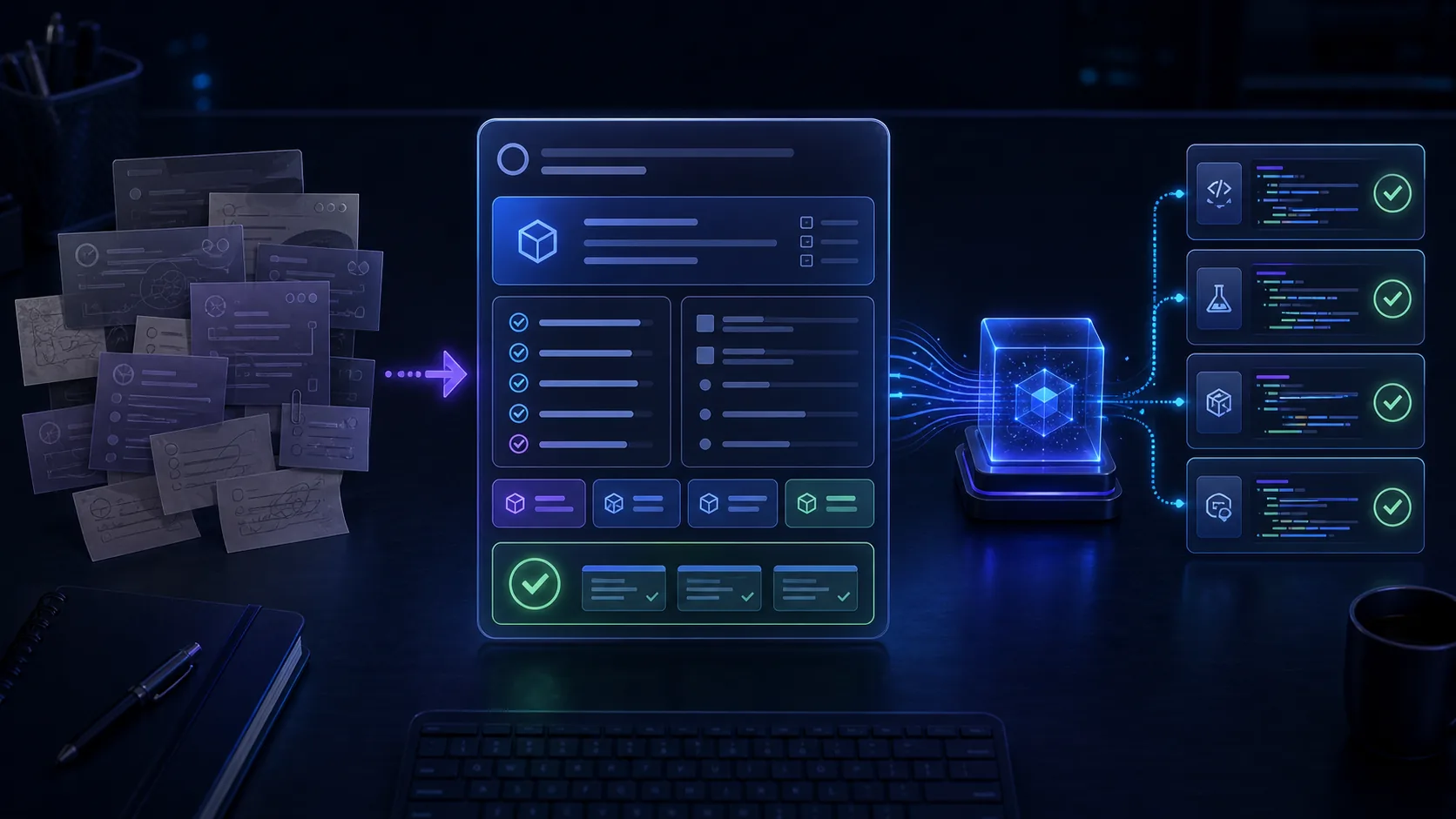
The Template
Use this as the default structure.
## Problem
What user or system problem should this change solve?

## Expected Outcome
What should be true when the work is complete?

## Acceptance Criteria
- [ ] Observable behaviour 1
- [ ] Observable behaviour 2
- [ ] Error/edge case behaviour if relevant

## Target Area
Repository:
Likely files/modules:
Related services/APIs:

## Constraints
- Do not change:
- Must follow:
- Out of scope:

## Validation
Run:
- command 1
- command 2

Manual checks:
- check 1

## Reviewer Focus
Ask reviewers to pay special attention to:

## Supporting Context
Links, logs, screenshots, user reports, docs, prior PRs/MRs.
The goal is not to write a longer ticket. The goal is to remove ambiguity that would otherwise show up as bad code or noisy review.
Problem
Describe the problem from the user’s or system’s point of view.
Weak:
Fix checkout bug.
Better:
When a logged-in user applies a valid coupon on the checkout page, the order summary updates but the final payment request still uses the pre-discount total.
The better version gives the agent a behavioural target and helps the reviewer know whether the fix worked.
Expected Outcome
State the end state in plain language.
Example:
Applying a valid coupon updates the order summary and payment request total consistently. Invalid coupons continue to show the existing validation message.
This helps prevent the agent from fixing one symptom while changing unrelated behaviour.
Acceptance Criteria
Write criteria that can be reviewed.
Good acceptance criteria:
- are observable
- fit the ticket scope
- avoid implementation guesses unless necessary
- include edge cases that matter
- can be mapped to tests or manual checks
Example:
- Valid coupon updates visible total and submitted payment total.
- Invalid coupon still returns the existing error state.
- Existing checkout tests continue to pass.
- No changes to payment provider configuration.
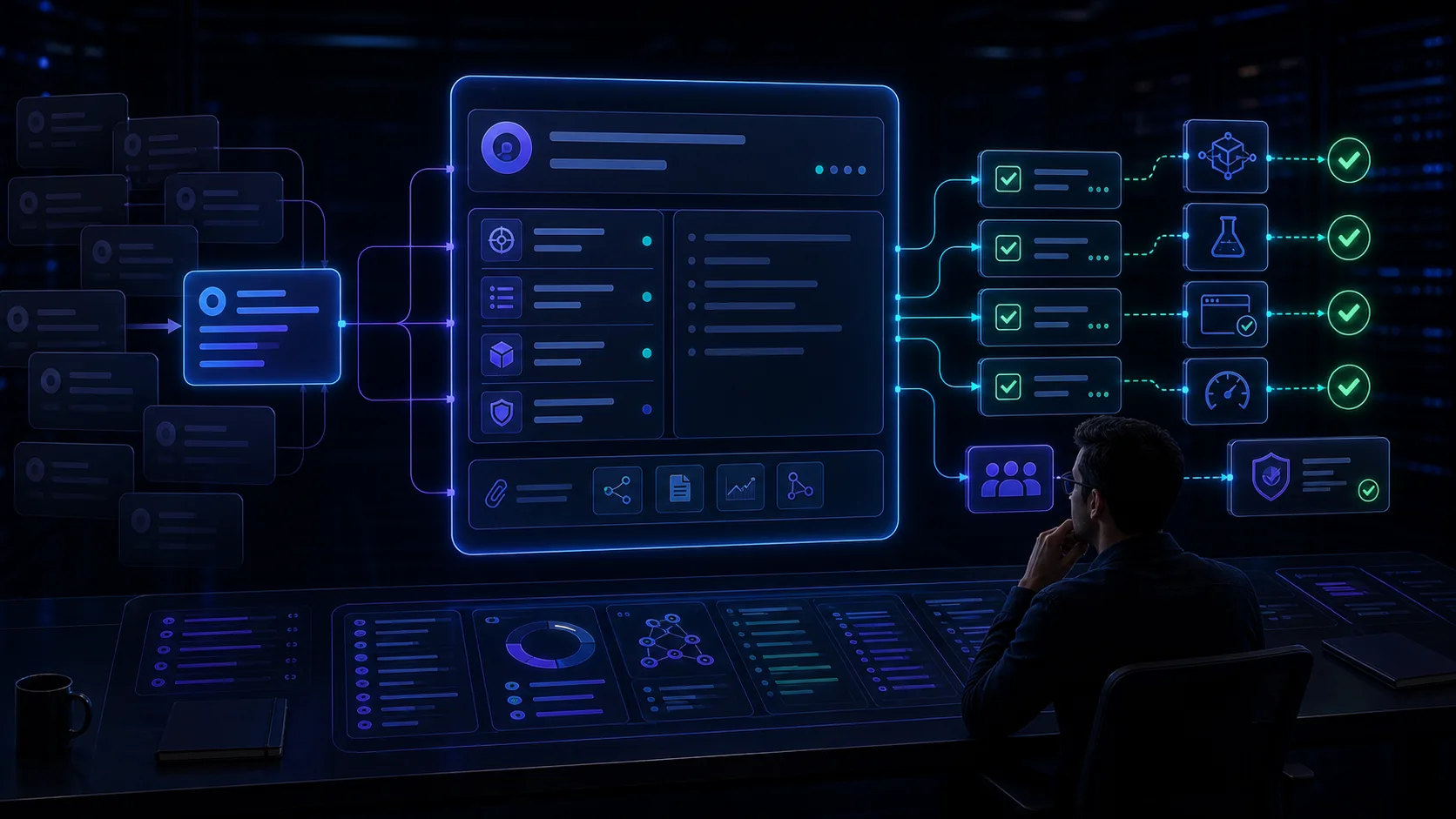
Target Area
AI agents need direction. Name the repository and likely area, even if you are not certain.
Include:
- repository or service
- likely files, modules, routes, or packages
- related API or event flow
- known ownership or reviewer team
- links to similar prior PRs/MRs
If the target area is unknown, say that explicitly. The agent can investigate, but the PR/MR should then include what it found.
Constraints
Constraints are where many AI tickets become safer.
Useful constraints:
- Do not rewrite the checkout flow.
- Do not change public API response shape.
- Use existing currency helpers.
- Keep behaviour compatible with existing mobile clients.
- Do not add a new dependency without reviewer approval.
Constraints reduce scope drift and make review faster.
Validation
List the commands or checks the agent should run.
Examples:
npm test — checkoutnpm run lintnpm run typecheckpytest tests/payments/test_coupon.py- manual checkout flow in staging with test coupon

If no automated validation exists, say so. That missing signal is part of the review risk.
Reviewer Focus
Tell the reviewer where human judgment matters.
Examples:
- Confirm payment total cannot diverge from displayed total.
- Check that the fix does not change tax calculation.
- Review whether the selected helper is the right existing pattern.
- Confirm that the manual edge case still works for guest checkout.
This helps reviewers avoid spending all their time rediscovering the ticket.
Supporting Context
Attach useful context directly:
- logs
- screenshots
- support tickets
- prior incidents
- docs
- related PRs/MRs
- API contracts
- design links
MergeLoom can route approved work from existing trackers into ticket-to-code automation, but the quality of the ticket still matters.
Good vs Bad Ticket Example
Weak ticket:
Update the account page. It has some layout issues and settings are confusing.
AI-ready ticket:
On mobile account settings, the notification toggle row wraps into two lines at 375px and the save button moves below the visible area. Update the layout so all setting rows fit without horizontal scrolling and the save button remains visible after editing. Do not change account API calls or notification semantics. Validate at 360px, 375px, 390px, and desktop widths.
The second ticket gives the agent a screen, behaviour, constraints, and validation target.
FAQ
Question: Should tickets include implementation instructions?
Short answer: Include constraints and known patterns, but avoid over-prescribing internals unless the implementation path is required.
Question: How long should an AI-ready ticket be?
Short answer: Long enough to remove ambiguity. A clear half-page ticket is better than a short ticket that creates three rounds of clarification.
Question: Who should write AI-ready tickets?
Short answer: Product, engineering, and platform teams should agree on the template. The person approving work should ensure the ticket is ready before it enters the agent queue.