Jira is where many engineering teams already decide what work is approved, prioritized, assigned, and ready for delivery. That makes it a natural starting point for AI coding automation.
The goal is not to let AI roam through the backlog. The goal is to turn approved Jira issues into scoped, validated, reviewable pull requests or merge requests.
That requires a workflow, not just a Jira comment and a prompt.

Why Jira Is a Good Starting Point
Jira issues often contain the information an AI coding workflow needs:
- problem statement
- acceptance criteria
- priority
- workflow status
- labels and components
- assignee or owner
- links to designs, incidents, or customer reports
- comments with decisions and clarifications
When this information is structured well, Jira can act as the source of truth for AI coding runs.
The Jira-to-Code Workflow
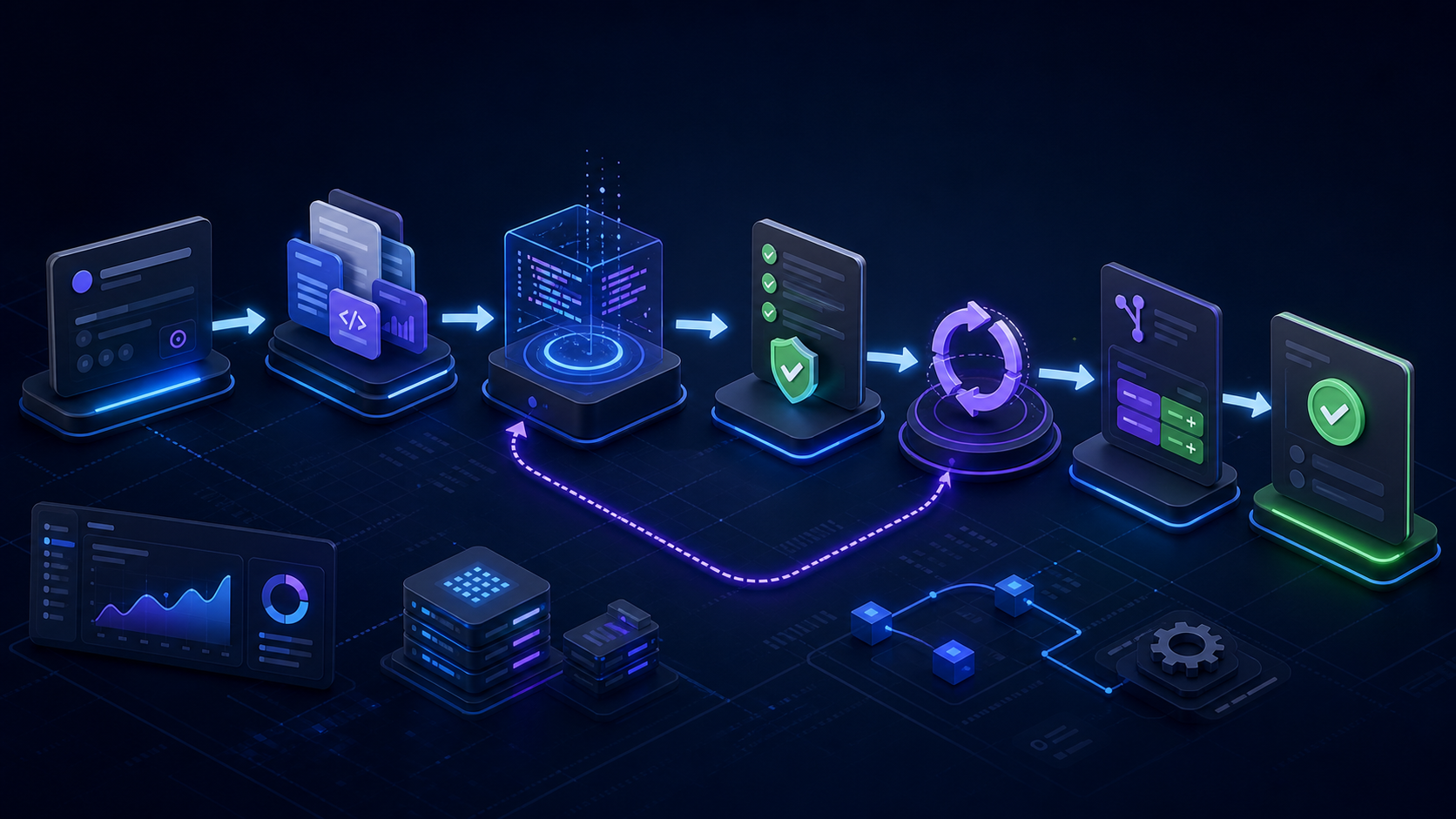
A practical Jira AI coding workflow looks like this:
- Issue is approved: status, label, or queue marks the work ready.
- Readiness check runs: the workflow checks for scope, acceptance criteria, target repository, and validation expectations.
- Repository is routed: the issue maps to the correct codebase and branch policy.
- Context is assembled: repository rules, docs, architecture guidance, and related context are loaded.
- AI coding run executes: the agent makes a bounded change.
- Validation runs: setup, lint, typecheck, tests, builds, or custom commands run before review.
- Repair or stop: failed checks trigger bounded repair or a clear stop reason.
- PR/MR opens: reviewers receive a branch with the Jira issue, summary, validation output, and focus areas attached.
- Human review decides: engineers approve and merge through the normal code host.
MergeLoom’s ticket-to-code automation follows this pattern.
Make Jira Issues AI-Ready
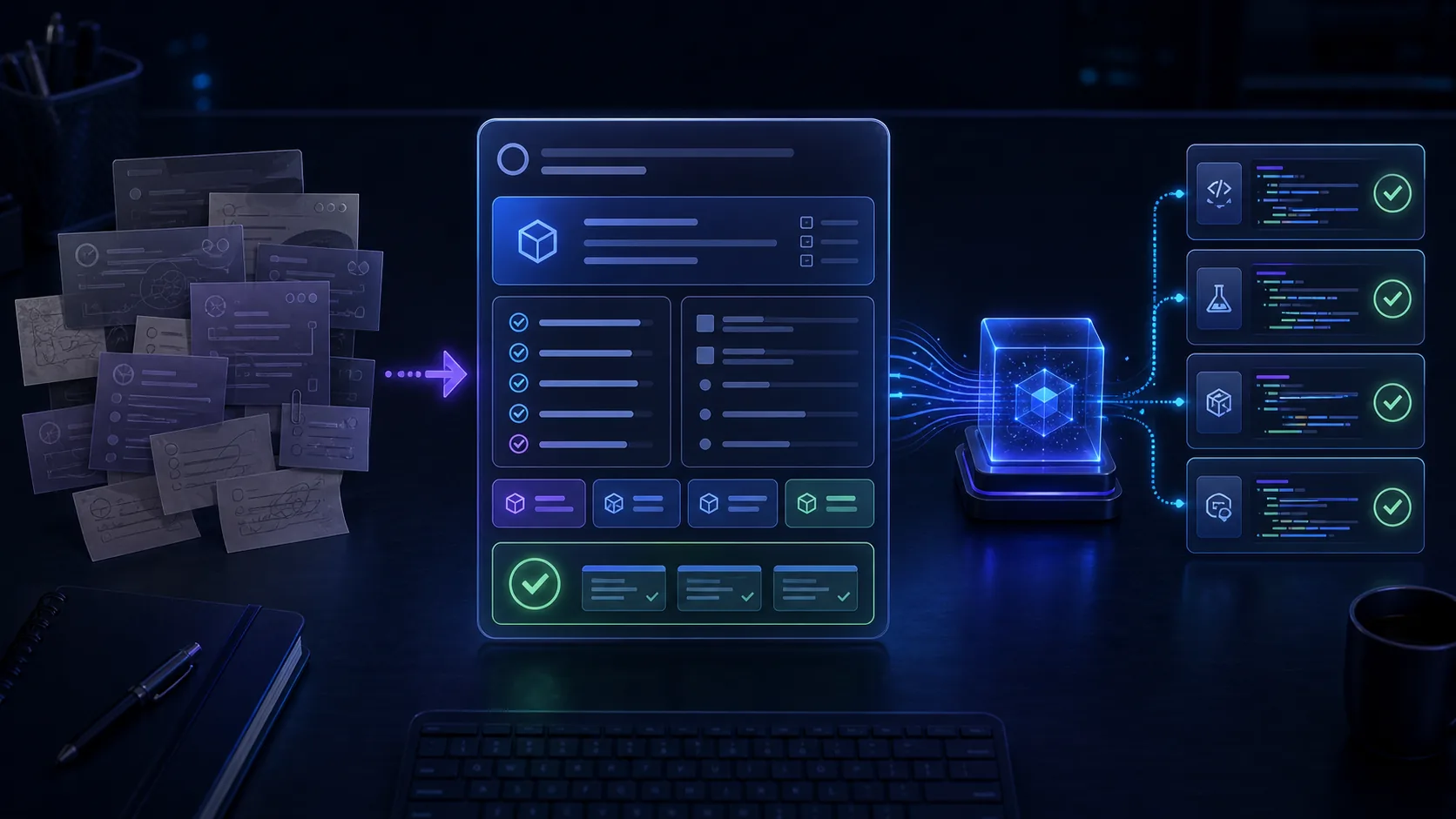
AI coding runs need better issue quality than vague backlog reminders.
Each issue should include:
- what problem should be solved
- what behaviour should change
- acceptance criteria
- target product area
- likely repository or service
- constraints and out-of-scope notes
- validation commands or expected checks
- reviewer focus areas
Use the ticket template for AI coding agents as a starting point.
Keep Statuses Meaningful
Jira automation works better when statuses have clear meaning.
For AI coding, consider statuses such as:
- Ready for AI Run
- AI Run In Progress
- Needs Clarification
- Validation Failed
- PR/MR Ready for Review
- Human Review In Progress
- Done
These statuses help teams distinguish work that needs product clarification from work that failed validation or is waiting for human review.
MergeLoom’s docs on workflow intake explain how statuses, labels, comments, and output routing fit into the product.
Route Issues to Repositories
The workflow should not rely on a model guessing where code lives.
Routing can use:
- Jira project
- component
- label
- repository field
- service ownership metadata
- rules configured in the automation platform
When a Jira issue does not map clearly to a repository, the workflow should stop and ask for clarification.
Add Context Before Coding
Once the repository is known, the run needs context.
Useful context includes:
- repository rules
- architecture docs
- API contracts
- test strategy
- related Jira issues
- Confluence pages
- prior PRs/MRs
MergeLoom’s Context Engine helps standardize this step before the agent edits files.
Validate Before PR/MR Handoff
AI coding automation should reduce reviewer cleanup. That means checks must run before handoff.
At minimum:
- lint
- typecheck
- targeted tests
- build or package checks where relevant
- custom repository validation commands
If validation cannot run, the PR/MR should say so clearly.
MergeLoom’s Quality Agents handle pre-review validation, repair, and Diff Guard.
Preserve Human Review
Jira AI coding automation should not merge code automatically by default.
The PR/MR should still go through:
- required checks
- branch protection
- CODEOWNERS
- human review
- normal release controls
AI can do the repetitive implementation loop. Humans keep judgment and approval.
Audit the Full Path
A good Jira AI coding workflow leaves a trail:
- Jira issue URL
- run requester
- repository and branch
- context sources
- commands run
- validation output
- repair attempts
- changed files
- PR/MR URL
- review outcome
MergeLoom’s audit trails and attribution connect this evidence from issue to code.
Where Atlassian Rovo Fits
Atlassian’s Rovo Dev validates the same buyer pain from inside the Atlassian ecosystem: teams want AI to help with planning, coding, reviews, and repetitive work.
For teams that already use Jira but need vendor-neutral routing, cloud or self-hosted execution, GitHub/GitLab/Azure Repos handoff, and run-level audit evidence, MergeLoom focuses on the controlled ticket-to-code workflow.
Where MergeLoom Fits
MergeLoom connects Jira issues to governed AI coding runs. It checks issue readiness, assembles context, runs validation, captures audit evidence, and hands off PRs/MRs for human review.
Start with Jira Epic Delivery for larger workstreams, Ticket-To-Code Automation for routine work, or book a demo to map your Jira workflow.