Azure DevOps teams are starting to ask a practical question: if AI can turn a work item into code, what controls should sit around that workflow?
Microsoft’s Azure Boards and GitHub Copilot documentation describes an integration where teams can initiate automated coding from Azure Boards work items, track progress in Azure DevOps, and link generated branches and draft pull requests back to the work item. It is an important signal because it brings AI coding closer to the planning system many engineering organizations already use.
It also clarifies a boundary: the documented integration requires GitHub repositories and GitHub App authentication. Azure Repos are not supported for that Copilot integration.
That does not make the workflow less useful. It means enterprise leaders need to decide how work-item-driven AI coding should be governed across repositories, review rules, validation commands, and audit expectations.
Work Items Are A Better Starting Point Than Prompts
Work items already contain the structure AI coding needs:
- title and problem statement
- description and acceptance criteria
- priority and ownership
- comments and supporting context
- links to related bugs, features, or design notes
- workflow state
Starting from a work item is easier to govern than starting from a loose chat prompt. The request has an owner, an approval path, and a record that can be tied to a branch or pull request.

The risk is that a work item is not automatically a good AI coding task. Some work items are too vague. Some span several services. Some require product decisions that are not captured in the ticket. Others touch sensitive areas where human-led implementation should remain the default.
A good governance model defines which work item types and states are eligible before any AI run begins.
Define Eligible Azure Boards Work
The Microsoft documentation lists supported work item types under requirements and task categories, including common types such as User Story, Product Backlog Item, Requirement, Task, Bug, and Issue. That broad support is useful, but teams should still narrow the rollout.
Good early candidates are:
- small bugs with reproduction steps
- test additions tied to clear behavior
- documentation updates
- minor UI or API changes with existing patterns
- maintenance tasks with known validation commands
Poor early candidates include authentication changes, billing changes, data migrations, large cross-service refactors, security incident response, and work items without acceptance criteria.
MergeLoom’s AI coding agent governance policy template is a useful place to turn these rules into an internal policy.
Control Repository Routing
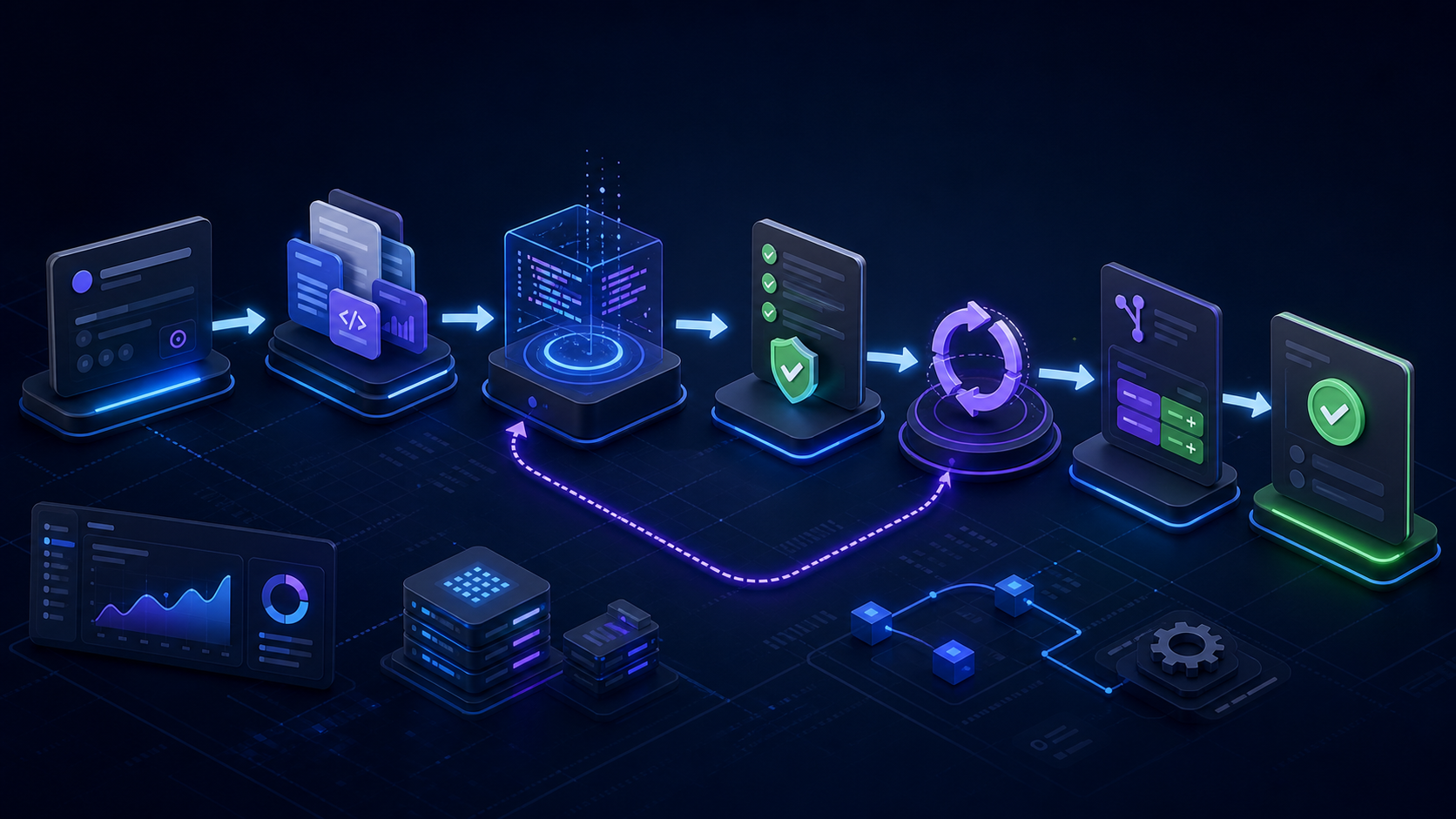
Azure Boards work items can be linked to development artifacts, but AI coding adds a new requirement: the system needs to select the right repository and branch before execution starts.
For the Copilot integration, the official flow asks the user to choose the target GitHub repository and branch. That is sensible, but enterprise teams should make the decision repeatable:
- Which repositories are approved for AI coding?
- Which default branches are allowed?
- Which protected areas require manual implementation?
- Which teams own review for each repository?
- Which validation commands must run for each repository?
MergeLoom’s work intake integrations and repository context rules address this by treating routing and context as part of the controlled run, not as tribal knowledge.
Make Context Explicit
The Azure Boards documentation says work item title, large text fields such as description and acceptance criteria, comments, and a link back to the work item are shared with GitHub Copilot when the workflow starts. That is useful ticket context, but it is not the whole system context.
AI coding also needs repository-specific knowledge:
- setup commands
- test commands
- service ownership
- API boundaries
- coding standards
- security-sensitive directories
- architecture docs
If that context is recreated manually on every run, quality will vary. A controlled AI coding workflow should maintain approved context sources and attach them to each run record.
MergeLoom’s Context Engine exists for that reason: reusable context should reduce repeated discovery and make the evidence path clearer.
Validate Before Review
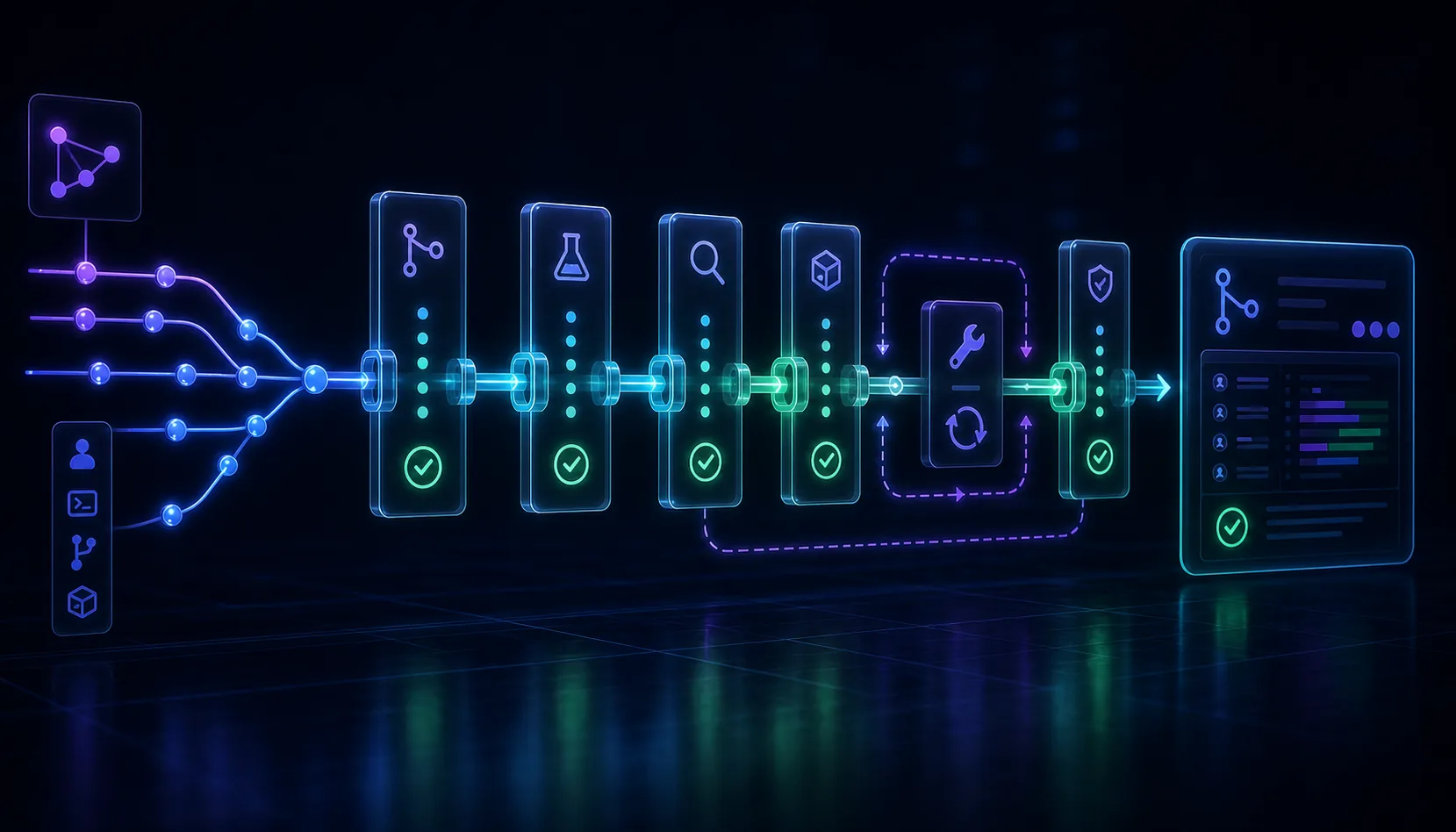
The Azure Boards flow creates draft pull requests and lets teams monitor when the work is ready for review. That still leaves a practical governance question: what does “ready” mean?
At minimum, readiness should include the validation commands your repository expects. Those may include linting, formatting, type checks, unit tests, integration tests, build commands, or custom scripts.
MergeLoom’s Quality Agents run validation before PR/MR handoff and preserve the output for reviewers. If validation fails, the run should either repair the issue within scope or stop with clear evidence. That is better than using human review as the first reliable quality gate.
Preserve Normal Human Review
AI-generated code should still move through normal pull request review. The reviewer should not have to reconstruct what happened from scattered comments and logs.
A useful handoff includes:
- the source work item
- acceptance criteria addressed
- implementation summary
- validation commands and output
- files changed
- known gaps or skipped checks
- recommended reviewer focus areas
MergeLoom’s audit trails and attribution are designed to keep this evidence attached to the run and the resulting review artifact.
Measure Accepted Work, Not Activity
AI coding dashboards can make activity look impressive. Activity is not the same as delivery.
Measure:
- eligible work items
- attempted runs
- runs stopped before code changes
- draft PRs opened
- PRs accepted after review
- rework requested by reviewers
- validation failure rate
- cost per accepted outcome
MergeLoom’s reduce AI costs page explains why outcome economics matter more than raw model or session usage.
Where MergeLoom Fits
Azure Boards and GitHub Copilot show that ticket-connected AI coding is becoming part of mainstream engineering workflows. MergeLoom complements that direction by giving teams a workflow layer around approved work, reusable context, controlled execution, validation before review, audit trails, and cost visibility.
If your Azure DevOps organization is planning AI coding adoption, start with Ticket-To-Code Automation or book a MergeLoom demo to map your work item states, repository rules, validation commands, and review process.