
AI coding tools are now part of normal software delivery, but different tools solve different problems. The question many teams are asking is simple: what is the best AI for coding for our workflow? A solo developer may need editor autocomplete; an engineering team may need a controlled way to move tickets through implementation, validation, and review.
In this guide, we will compare practical options, from IDEs and an AI coding assistant to team workflow automation, so you can choose the right AI coding setup for your needs.

The Rise of AI in Software Development
The transition to using generative AI tools for software development is no longer just a trend---it is a fundamental shift. Today’s machine learning models for software development are capable of understanding vast codebases, predicting intent, and generating complex logic.
If you are wondering how to integrate AI in the software development lifecycle, start by matching tools to each stage: planning, implementation, testing, review, and deployment. A dedicated AI coding assistant can help catch syntax errors, brainstorm architecture, and write boilerplate code faster.
Setting Up Your Environment: AI-Powered IDEs
Before diving into specific language models, you need the right environment. Setting up an AI-powered IDE environment is the first step toward true productivity.
The best AI IDE blends traditional text editing with an AI code generator. Dedicated AI coding editors are built to support context-aware code completion, so the assistant can reason about more than the file you currently have open.
Standout Editors
- Cursor: A VS Code fork that integrates AI natively and is popular for codebase chat and multi-file edits.
- Visual Studio Code (with Extensions): A flexible editor for AI-assisted coding tools, especially when teams already standardize on VS Code.
- JetBrains IDEs: A strong option for teams that already use JetBrains and want AI features inside their existing IDEs.
Best AI for Coding: AI Coding Assistants Comparison
When looking for the best AI coding tool, the market is highly competitive. The right choice depends on whether you need inline suggestions, project-wide edits, chat-based reasoning, or workflow automation.
Copilot vs. Cursor
The debate between Copilot vs Cursor for web development is active. GitHub Copilot is deeply integrated with the GitHub ecosystem and strong at inline suggestions. Cursor is a dedicated AI-first workspace with codebase chat and multi-file edits. Your choice depends on whether you want an add-on or an editor built around AI.
The Best AI for Specific Languages
Finding the best AI for code often depends on your stack:
- JavaScript & TypeScript: For front-end and Node.js developers, tools like Tabnine and GitHub Copilot are widely used for framework-specific autocomplete.
- Python: Data scientists and backend engineers should compare current Claude, OpenAI, Gemini, and open-source models against their own codebase. Rankings change quickly, so test debugging, refactoring, and library-specific tasks before standardizing.
One practical note: the biggest productivity bottleneck often isn’t writing the code---it’s reliably moving a ticket through implementation, validation, and review without creating a new side process. That’s where an enterprise workflow layer can matter as much as an editor assistant.
MergeLoom: Ticket-to-Code Automation That Fits Existing Workflows
The question is not whether AI can write code. The question is how teams connect AI coding to the tickets, repositories, tests, reviews, and controls they already rely on. MergeLoom is built for that gap.
MergeLoom is a customer-hosted ticket-to-code automation platform for engineering teams. Instead of asking you to replace Jira, GitHub, GitLab, monday.dev, Linear, Azure Boards, Azure DevOps Repositories, or your delivery process, it connects what you already use---tickets, repositories, workflow rules, validation commands, CI, and human review---with the AI provider of your choice. The result is a more controlled path from an approved ticket to a PR/MR that is ready for human review.
If you’re evaluating AI tools for coding efficiency at a team level, MergeLoom is a genuine option when you want to lower development ticket execution cost without lowering standards:
- Works with your process: keep existing labels, statuses, branch rules, and review requirements; the ticket remains the unit of work.
- Validation and auditability: repository rules, validation commands, CI checks, and an audit trail stay in place, with required human review on the PR/MR.
- Vendor-neutral and customer-hosted: use the approved model/provider and run execution inside your environment.
Tools like Cursor, GitHub Copilot, OpenHands, Claude Code, Devin, and Amazon Q help developers or agents write code. MergeLoom complements those tools by operationalizing AI coding inside existing delivery systems: ticket intake, whole-system context assembly, execution, validation, and PR/MR handoff.
If your team is comparing local coding-agent boards, the Vibe Kanban alternative page explains that workflow trade-off. If the evaluation is more about AI adoption metrics, model routing, and cost visibility, compare the Beezi AI alternative view.
Best Chatbots and Models for Code Generation
Sometimes, you need to step outside your IDE to brainstorm logic or architecture. Finding the best AI chatbot for coding is useful for these moments.
Model rankings change quickly. For coding, compare current Claude, OpenAI, Gemini, and open-source models against your own codebase rather than trusting a static leaderboard. Test the jobs you actually care about: bug fixes, refactors, UI work, test generation, and migration tasks.
If you are on a tight budget, you might be looking for the best AI programming assistant free of charge. Free tiers and open-source AI coding assistant alternatives can be useful for learning and small tasks, but teams should also evaluate privacy, rate limits, tool support, and review controls.
Beyond Writing Code: Debugging, Testing, and DevOps
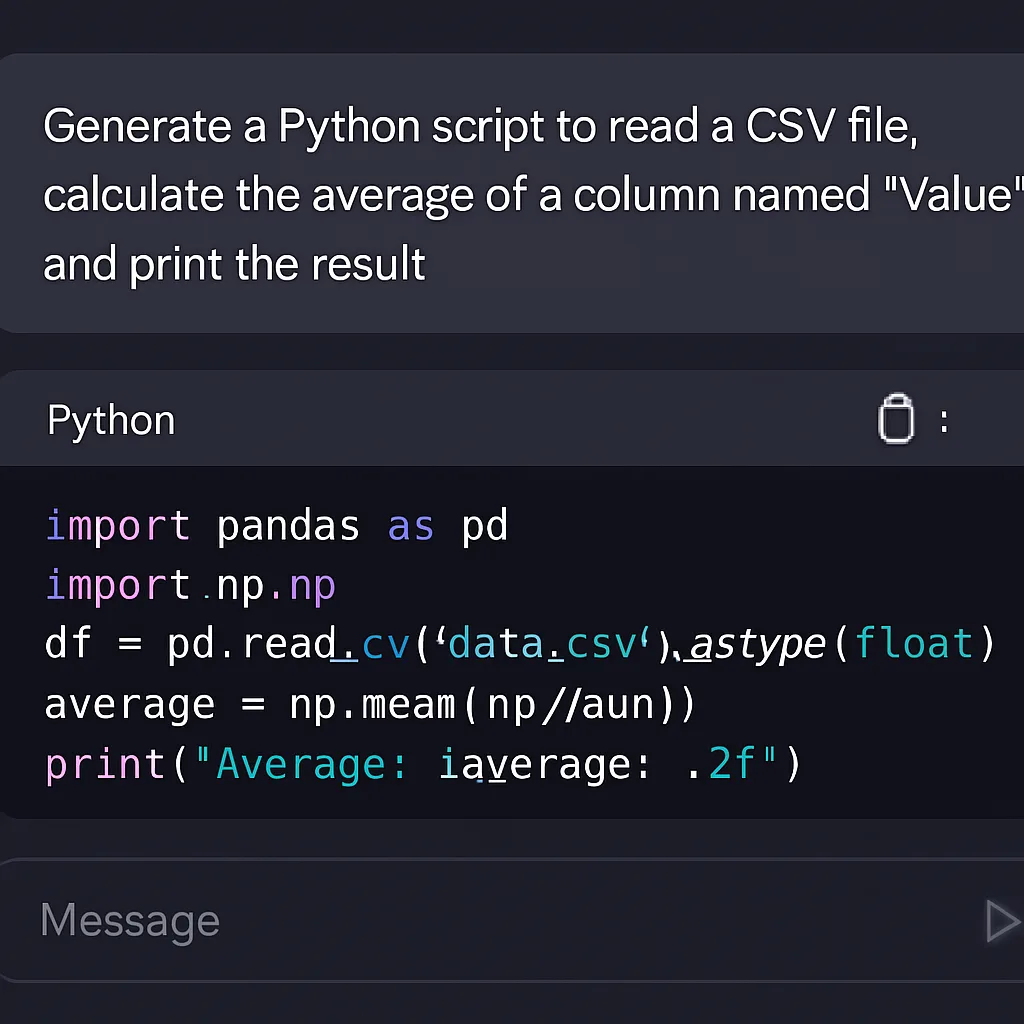
The best AI for writing code should also help when you are not writing new features. Modern AI coding tools increasingly support debugging, testing, documentation, database work, and DevOps tasks.
- Debugging: AI tools for debugging and code optimization can explain error logs and suggest likely fixes.
- Testing: AI can help generate unit tests and edge-case coverage, which engineers should still review.
- Documentation: AI can draft READMEs, inline comments, and API docs from existing code.
- Databases: Natural language to SQL tools can help backend engineers draft and explain complex queries.
- DevOps: Generative AI for DevOps automation can help draft Dockerfiles, Kubernetes manifests, and CI/CD configuration.
Navigating Challenges: Security and Tech Debt
AI coding tools require a disciplined approach. One major concern is security vulnerabilities in AI-generated code. AI models can hallucinate or suggest outdated, insecure libraries. Always review generated code and run the same checks you would require from human-authored changes.
On the maintenance side, AI can help reduce technical debt by identifying code smells and suggesting modern design patterns. It can also speed up legacy migration work, but only when paired with tests, review, and careful rollout.
Actionable Tip: Always combine AI generation with traditional linting and security scanning tools to ensure your code is both fast and safe.
Final Thoughts
The best AI coding setup depends on the workflow. By conducting your own AI coding assistants comparison and testing tools against real codebase tasks, you can find the right fit without buying into generic rankings.
Use the best AI code generator for your stack, combine it with context-aware completions, and keep tests and human review in place. For teams, the strongest results usually come when AI coding is connected to tickets, validation, audit trails, and the normal review path.
Q&A
Question: How should I choose between GitHub Copilot and Cursor? Short answer: Pick based on how you like to work. Copilot is an add-on tightly integrated with GitHub that excels at fast, inline suggestions. Cursor is a VS Code fork with native AI, offering deep codebase chat and simultaneous multi-file edits. If you want fast inline help, choose Copilot; if you want an editor built around AI with project-wide reasoning, choose Cursor.
Question: What problem does MergeLoom solve, and how is it different from tools like Copilot or Cursor? Short answer: MergeLoom operationalizes AI coding inside your existing delivery systems. It's a customer-hosted ticket-to-code automation platform that connects tickets, repositories, workflow rules, validation commands, CI, human review, and your chosen AI provider so approved work flows from ticket to a PR/MR with validation evidence. Unlike code-writing assistants, it focuses on orchestration, controls, audit trails, vendor neutrality, and keeping PR/MR as the review checkpoint without changing your labels, statuses, or branch conventions.
Question: Which AI tools are recommended for JavaScript/TypeScript versus Python? Short answer: For JavaScript and TypeScript, Tabnine and GitHub Copilot are widely used for framework-aware autocomplete. For Python, compare current Claude, OpenAI, Gemini, and open-source models against your own debugging, refactoring, and library-specific tasks before choosing a standard.
Question: When should I step outside the IDE to use a chatbot, and which models are best (including free options)? Short answer: Use chatbots for brainstorming logic, architecture, complex refactors, and UI generation. Model quality changes quickly, so test current Claude, OpenAI, Gemini, and open-source options against your own examples. Free tiers can help with learning and small tasks, but teams should evaluate privacy, rate limits, tool support, and review controls.
Question: What are the main risks of AI-generated code, and how can I mitigate them? Short answer: AI can hallucinate or suggest insecure, outdated libraries. Always pair AI output with human review, linting, and security scanning. In team settings, enforce controls like validation commands, CI checks, audit trails, and PR/MR gates (as emphasized by MergeLoom) to maintain standards while reducing ticket execution costs. AI can also help reduce tech debt by flagging code smells and accelerating legacy migrations.