Imagine reading a novel where every third page switches languages and chapters appear entirely out of order. That frustrating experience is exactly what messy programming feels like to developers during routine software maintenance. Rushed deadlines inevitably turn once-clean systems into a confusing maze.
This chaos creates “technical debt”: the future cost of early development shortcuts. Fixing it requires code refactoring, which means updating the application’s internal structure without changing what users see. Historically, cleaning that up required careful manual work and a lot of review time.
Artificial intelligence can now help teams understand, reorganize, and test code faster. The top AI tools for code refactoring are most useful when they reduce repetitive cleanup work while keeping tests and human review in control.
Summary
This piece shows how AI-powered refactoring addresses technical debt by reorganizing code without changing behavior, improving performance, maintainability, and developer productivity. It compares tools like GitHub Copilot (autocomplete for new code) and Sourcery (logic simplification for existing code), and explains how AI modernizes legacy systems while automating security checks, testing, and unit test generation. Emphasizing a human-in-the-loop approach and CI/CD integration, it balances automation with business context. It also highlights MergeLoom’s ticket-to-code orchestration and ends with a three-step pilot plan: pick one tool, start small, and measure time saved.

The House Renovation Rule: Why Refactoring Is the Secret to Speed
Imagine building a beautiful new sunroom on a house with leaking plumbing. Adding the room is like building a new app feature, while fixing the hidden pipes is refactoring. It strengthens the foundational wiring and plumbing without changing how the house looks from the outside.
Focusing on improving code maintainability through AI suggestions can deliver a strong return when the work is scoped and tested. Automated tools help reorganize messy software logic and support three concrete outcomes:
- Faster loading times for frustrated users
- Easier updates when market demands change
- Fewer unexpected crashes during peak traffic
One of the biggest benefits of AI-powered code optimization is reducing the time developers spend on repetitive cleanup. Used well, these tools help teams spend less time patching old shortcuts and more time building new work.
GitHub Copilot vs. Sourcery: Choosing Your Digital Co-Pilot
Choosing between AI assistants is like comparing a ghostwriter to a brilliant editor. GitHub Copilot suggests new lines predictively before developers finish typing. Meanwhile, Sourcery functions like Grammarly for software, instantly highlighting awkward logic. Both code refactor ai tools implement real-time refactoring, fixing digital plumbing while your team actively works rather than delaying essential maintenance.
Select the right tool based on team size and project age using this simple breakdown:
- Copilot: Best for general teams building new features; primary function is advanced autocomplete; ease of use is high.
- Sourcery: Best for maintaining aging software; primary function is logic simplification; ease of use is high.
Developers constantly battle cyclomatic complexity: code with too many branching decision paths. Reducing cyclomatic complexity with AI assistants can make code easier to reason about, but teams should still confirm the change with tests and review.
Once your team adopts these daily helpers, they establish a remarkably streamlined workflow that prevents future technical debt. Yet, smaller plugins aren’t always enough for entirely outdated systems.
Modernizing Legacy Code without Stopping Delivery
Every aging business system can become difficult to change. Building a roadmap for legacy modernization used to mean long discovery work before teams could safely update the code. Today, AI-driven legacy code modernization can help explain old patterns, propose cleaner structures, and speed up the first pass while daily delivery continues.
Managers often struggle to assess software health, but these new tools allow non-developers to spot trouble early by identifying code smells using machine learning. A “code smell” is simply a warning sign of bad logic. Much like a strange rattle in your car engine, it indicates a deeper structural flaw waiting to cause a breakdown.
Because these tools can highlight risk and translate older patterns faster, they can lower the cost of technical debt reduction. However, changing old foundations still carries risk and needs strong security checks, regression tests, and human review.
The Safety Net: Automating Security and Testing During Cleanup
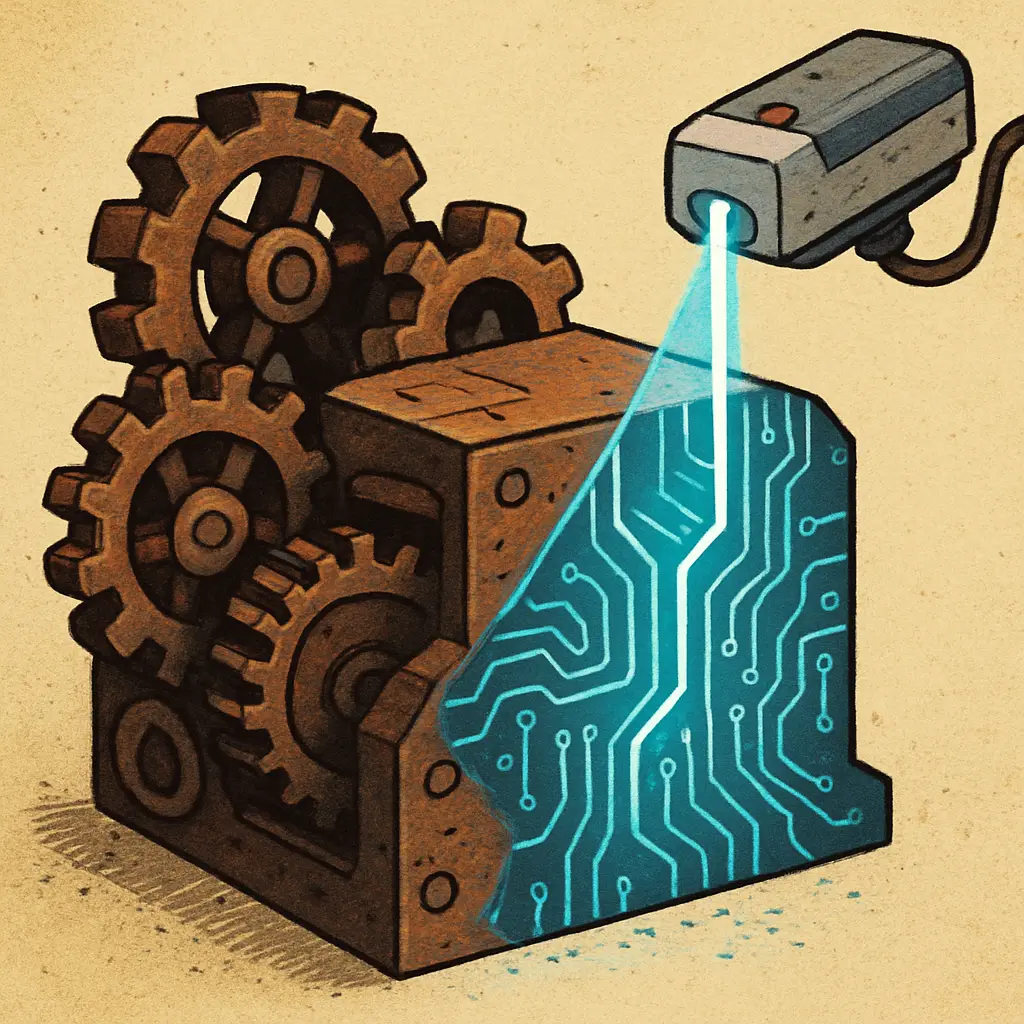
Cleaning up software carries a hidden fear: fixing one area often breaks another, a costly mishap developers call a regression. Imagine updating your website’s visual style, only to accidentally break the user login screen. To prevent these accidents, teams rely on AI to simplify complex code with LLMs (Large Language Models), treating them as a proactive digital safety net during renovations.
This automated net prevents security leaks during reorganization through a continuous three-step safety check process:
- Detect: The AI constantly scans the blueprint, providing real-time security vulnerability detection in refactoring.
- Suggest: It recommends safer coding pathways to permanently patch underlying security flaws.
- Test: It verifies that the modernized foundation can withstand daily business operations without collapsing.
Guaranteeing software stability relies heavily on generating unit tests for refactored logic. A unit test is simply an automated mini-inspection checking that a specific feature still behaves perfectly after being reorganized. However, even the most rigorous automated testing cannot replace human business judgment.
The Human Architect: Why AI Needs Your Approval
While automated safety nets catch flaws, avoiding the “magic trap” means recognizing what AI cannot understand: your business. An algorithm might rewrite a checkout process to run faster, but it doesn’t know why marketing requested a specific, slower step to upsell products. AI handles mechanics, but human architects must guide the purpose.
Establishing a “human-in-the-loop” workflow ensures this context remains intact. By utilizing an autonomous code refactoring system, developers act as senior editors. They review the machine’s suggestions, confirming the newly organized logic aligns with company goals before changes become permanent.
Successfully integrating AI refactoring into CI/CD pipelines---the digital conveyor belt delivering software updates to customers---requires this partnership. The machine does the heavy lifting of cleaning the foundation, while humans guarantee the structure serves your business.
Turn Refactoring into Tickets: How MergeLoom Takes Care of the Boring Work
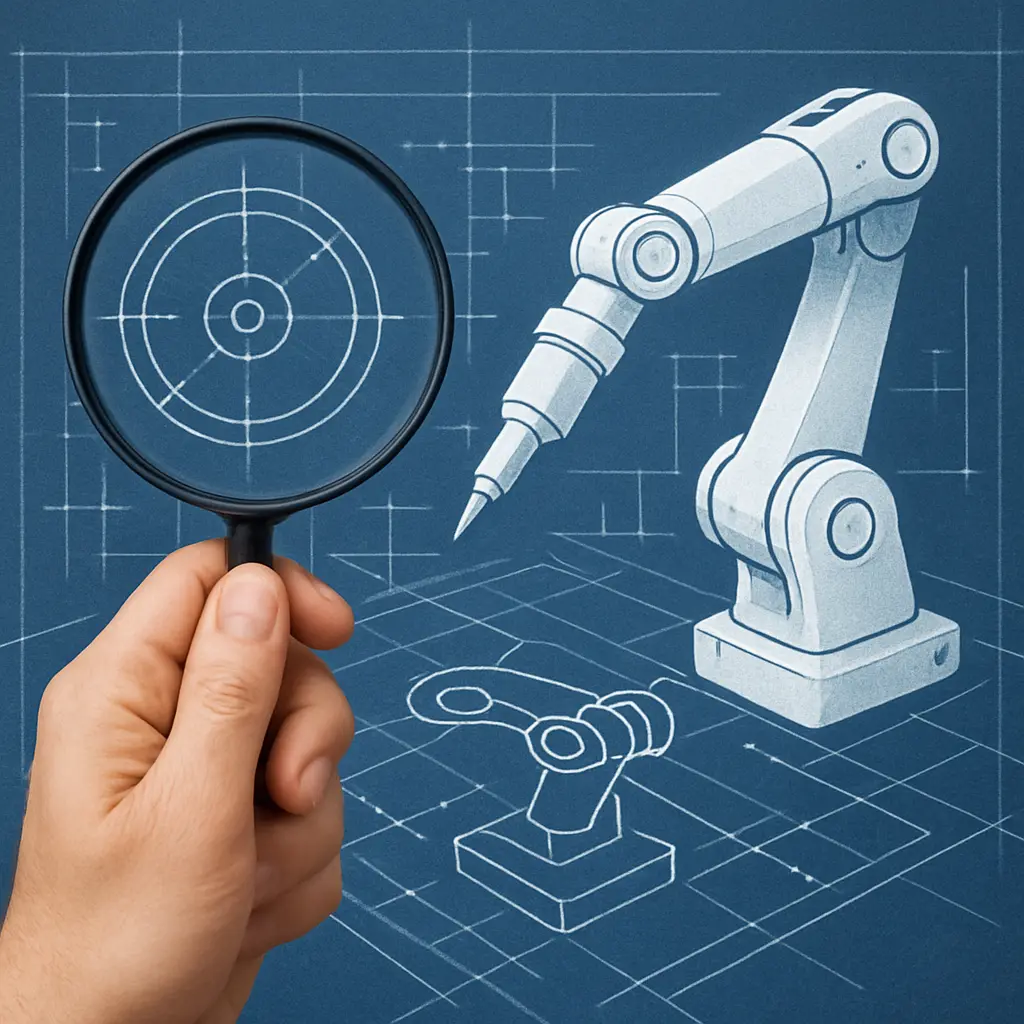
There’s a practical way to make refactoring finally happen without turning it into an endless backlog: create the cleanup work as tickets in the project management tool you already use (Jira, GitHub Issues, GitLab Issues, monday.dev, Linear, Azure Boards, and more), and let automation take the first pass. Your team gets time back to focus on higher-value product work, while tech debt still gets paid down---with engineers staying in control through review.
MergeLoom is a customer-hosted AI coding automation platform for engineering teams. It turns existing tickets, issues, bugs, and feature requests into pull requests or merge requests with validation evidence, without forcing teams to change their current workflow. For teams seeking an ai project management platform autonomous code refactoring workflow, it connects planning to automated execution while keeping engineers firmly in control.
The core idea is simple: enterprises already have the pieces. They already have Jira, GitHub, GitLab, monday.dev, Linear, Azure Boards, Azure DevOps Repositories, CI pipelines, coding standards, approval processes, and access to AI models. MergeLoom brings those pieces together into a controlled ticket-to-code workflow.
MergeLoom is not another project management tool, not another code editor, and not a replacement for engineering teams. It is the orchestration layer that connects existing tickets, existing repositories, existing workflow rules, existing tests, and the AI provider of the customer’s choice.
For refactoring work, a ticket-to-code workflow can look like this:
- Create or tag a refactor ticket (for example: Extract auth logic into a service layer, Remove legacy state management, or Split this 800-line component).
- Let the automation generate the code changes and package them as a pull request or merge request.
- Validate changes with the same CI checks and tests you already require.
- Keep your existing approvals: engineers review, request changes, and merge when it meets your standards.
For teams already using AI review tools, the CodeRabbit alternative comparison explains why generated refactors still need controls before the PR as well as comments after the diff exists.
Your AI Refactoring Roadmap: 3 Steps to a Cleaner Future
Turning messy legacy code into a cleaner architecture helps teams escape the loop of fixing the same old problems. The business case for AI-assisted refactoring becomes clearer when developers spend less time on repetitive cleanup and more time on higher-value product work.
To transition your team from fixing old bugs to building new value, calculate your specific ROI by executing a low-risk pilot project using this 3-Step Jumpstart:
- Pick one tool.
- Start with one small project.
- Measure the time saved.
If you’re considering the best way to get AI to completely refactor frontend code, pilot the approach on a single component or view first, then expand once tests confirm stability and performance improvements.
Starting small allows teams to evaluate performance, integrate AI safely, and systematically future-proof their software’s foundation.
Q&A
Question: What is code refactoring, and why does it make teams faster? Short answer: Refactoring is reorganizing a codebase's internal structure without changing what users see, much like fixing a house's plumbing without altering its appearance. By using AI to clean up logic and reduce technical debt, teams can improve load times, make future changes easier, and reduce crashes. The biggest benefit is practical: developers spend less time patching old shortcuts and more time building new value.
Question: How do GitHub Copilot and Sourcery differ, and which should my team choose? Short answer: Copilot is best for teams primarily writing new features; it functions as advanced autocomplete that predicts and suggests code as you type. Sourcery shines for maintaining and improving existing, aging code; it acts like a real-time editor that simplifies awkward or complex logic. Both support real-time refactoring, but if your main pain is legacy complexity, pick Sourcery; if you're accelerating new development, pick Copilot.
Question: Can AI modernize legacy code without halting operations, and what ROI should we expect? Short answer: Yes, when the work is scoped carefully. Modern AI can help explain old code, suggest cleaner structures, and flag "code smells" that point to deeper risk. The ROI depends on codebase size, test coverage, and review discipline, but the benefit usually comes from faster understanding, safer cleanup, and less repetitive manual migration work.
Question: How do AI tools keep refactoring safe, and why keep humans in the loop? Short answer: AI-backed refactoring uses a continuous safety cycle---Detect, Suggest, Test. Tools detect vulnerabilities, suggest safer alternatives, and verify changes under real-world conditions. Generating unit tests for refactored logic provides additional guardrails against regressions. However, only humans understand business context; a faster flow isn't always the right flow (e.g., intentional steps for upsells). A human-in-the-loop process---embedded in your CI/CD pipeline---ensures engineers review, request changes, and approve updates so that automation improves mechanics without breaking business goals.
Question: How do I get started and keep refactoring practical in my workflow? Short answer: Operationalize it through your existing tools and start small. A ticket-to-code approach, exemplified by MergeLoom, turns refactor tickets (for example, "Extract auth to a service layer") into pull requests with validation evidence using the AI provider you choose. It plugs into what you already use (Jira, GitHub/GitLab, CI, coding standards) and keeps engineers in control for review and approval. Pair this with a low-risk pilot: pick one tool, start with one small project, and measure time saved.