
How To Set Up CI/CD In GitLab is for teams already working in GitLab who want a cleaner path from issue or ticket to branch, validation, and review. Before adding more tooling, the team should make the pipeline setup visible in the places it already works: issue fields, branch names, templates, CI output, and review decisions.
The goal is not to introduce a new tool on day one. The goal is to make the pipeline setup clearer inside the stack the team already uses, then decide where automation can safely help later.
Implementation context for how to set up CI/CD in GitLab comes from GitLab merge request pipelines. Product behavior and configuration details for GitLab CI/CD setup can change, so confirm current settings in the official documentation before changing workflow policy.
What The Native Workflow Should Decide
GitLab CI/CD setup should answer a practical delivery question: can this work move from the repository and .gitlab-ci.yml file into a bounded implementation path and return as the GitLab pipeline and merge request with enough evidence for the DevOps owner and project maintainer? If the answer is not visible in the workflow record, the work is not ready to move forward.
The decision surface should include:
- Ready signal: the repository has a .gitlab-ci.yml file, working runner, clear stages, protected variables, and expected branch behavior.
- Scope boundary: the first pipeline validates a small set of build, test, lint, or deploy jobs before expanding into every environment.
- Validation expectation: pipeline results block or inform merge request review instead of sitting as optional background noise.
- Review evidence: developers can see which jobs ran, which variables were protected, which environment was targeted, and why the pipeline passed or failed.
- Stop condition: pause or reroute the work when the team adds YAML complexity before runners, variables, branch rules, and failure ownership are clear.
Practical Setup Sequence
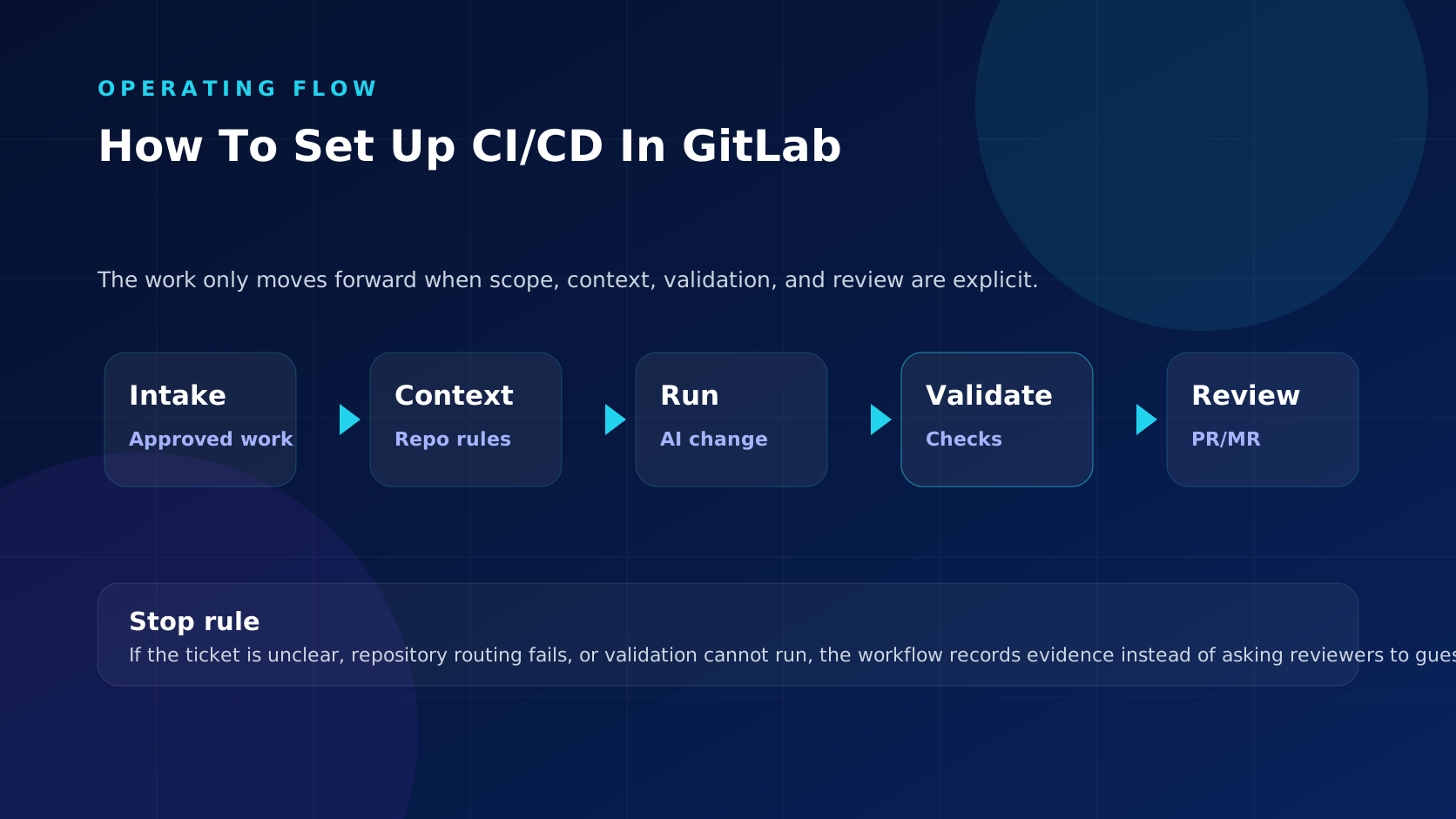
In practice, the GitLab CI/CD setup should operate as a sequence of handoffs, not as a naming convention. The sequence below keeps GitLab as the system of record while the pipeline setup moves toward reviewable output.
- Start from the repository and .gitlab-ci.yml file, not from a private note, side conversation, or vague backlog item.
- Confirm the ready signal before anyone creates a branch or starts implementation.
- Bind the work to one repository route, branch convention, and review owner where possible.
- Carry the source key and scope summary into commits, branch name, and the GitLab pipeline and merge request.
- Run the expected validation and record pass, fail, skip, and repair outcomes.
- Give the DevOps owner and project maintainer the evidence needed to approve, request changes, reject, or send the work back to triage.
What To Configure
Configuration for the GitLab CI/CD setup should make the safe path easy and the unsafe path visible. In this case, the working focus is the pipeline setup, so statuses, labels, branch rules, templates, pipeline settings, or approval rules should change what can happen next.
- For the GitLab CI/CD setup, make queue eligibility explicit in GitLab: a status, label, field, or approval should change what happens next.
- For the pipeline setup, keep routing concrete by naming the repository, component, service, package, or code owner before execution starts.
- In this GitLab workflow covering the pipeline setup, separate implementation authority from merge authority so delivery can move without weakening approval.
- The GitLab pipeline and merge request should carry validation notes from the repository and .gitlab-ci.yml file for the pipeline setup, including skipped checks and failed repair attempts.
- Use human-only, needs-scope, or blocked states when the source request for the pipeline setup still needs judgment before code changes would help.
- Review GitLab rules for the GitLab CI/CD setup with platform owners before expanding the queue to sensitive services or multi-repository work.
Practical Setup Details
A useful GitLab CI/CD setup starts small. The first version should prove that the repository can run repeatable checks on merge requests and protected branches. After that, teams can add caching, environments, deployment jobs, security scans, and release automation. Starting with every possible stage usually creates a pipeline nobody trusts.
- Start with build, test, and lint stages before adding deployment or release automation.
- Confirm runner availability and executor type before debugging YAML.
- Use protected variables for secrets and keep them away from unprotected branches.
- Decide which jobs are required for merge requests and which jobs are informational.
- Document who owns failed jobs so broken pipelines do not become reviewer guesswork.
Review Evidence
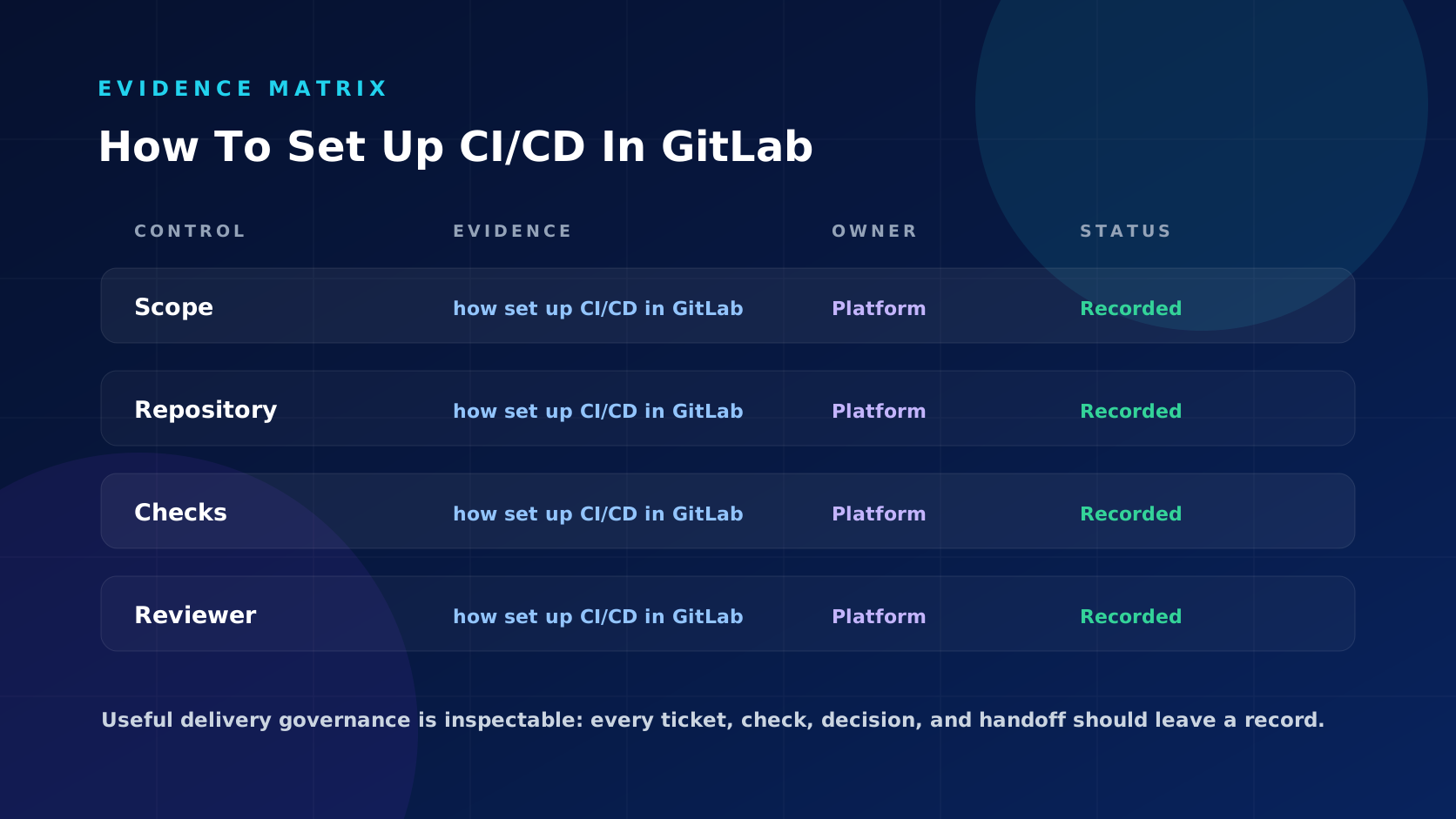
Reviewers using the GitLab CI/CD setup should not have to infer whether the work was scoped correctly. The review packet for the pipeline setup should make the source request, implementation boundary, validation result, and final decision inspectable.
- The original request from the repository and .gitlab-ci.yml file for the pipeline setup: what was approved, by whom, and why it was eligible.
- The boundary for the pipeline setup: what files, service, component, or repository area the run was allowed to touch.
- The GitLab pipeline and merge request should summarize what changed from the repository and .gitlab-ci.yml file for the pipeline setup and what was deliberately left out of scope.
- The validation record tied to the pipeline setup: which jobs, commands, or manual checks ran and what happened.
- The DevOps owner and project maintainer should leave a decision trail for the pipeline setup: approval, requested changes, rejection, rerun, or escalation.
Failure Modes To Avoid
The weak version of the GitLab CI/CD setup looks organized in the tracker but still leaves reviewers to reconstruct the real story behind the pipeline setup. These are the patterns to stop early.
- The source record tied to the pipeline setup is marked ready even though acceptance criteria, owner, or repository route are missing.
- The GitLab CI/CD setup produces a branch for the pipeline setup that combines unrelated work because the source request was too broad.
- The pipeline setup turns validation failure into a reviewer problem instead of a pre-review repair or stop decision.
- The GitLab pipeline and merge request shows the diff for the pipeline setup but omits the source request, scope limit, skipped checks, or unresolved questions.
- The team reports activity around the pipeline setup without separating accepted changes from failed runs and cleanup.
Use workflow documentation for workflow documentation on the pipeline setup, validation and review controls for validation and review controls, and Explore ticket-to-code automation when this native handoff is clear enough to automate. Related operational pages: Jira Automation For Software Teams Practical Workflow Ideas, How To Link Jira Issues To GitLab Merge Requests, How To Link Jira Issues To Branches And PRs.
Where MergeLoom Fits Later
The product question comes after the workflow question for How To Set Up CI/CD In GitLab. If GitLab can show source work, ownership, validation, and review status clearly, MergeLoom can help carry those controls into automated implementation later.
For the GitLab CI/CD setup, success should be measured by clearer delivery decisions, not by how many labels, statuses, or jobs the team adds.
Rollout Checklist
- Start the GitLab CI/CD setup on a low-risk queue with predictable repository ownership.
- Define the ready, blocked, validation failed, review ready, and human-only paths for the pipeline setup before opening the queue.
- Require every branch for the pipeline setup to carry the source work key and validation summary.
- Sample accepted and rejected changes for the pipeline setup weekly to see whether reviewers had enough evidence.
- Expand GitLab coverage for the pipeline setup only after the team can explain why work started, what changed, what checked, and who approved it.
Bottom Line
The GitLab CI/CD setup is useful for the pipeline setup when it makes the next decision clearer: start, stop, repair, review, or keep the work human-only. If reviewers can see the source request, boundary, validation result, and approval decision for the pipeline setup in one path, the workflow is doing real operational work.
Explore ticket-to-code automation after your team has a reliable GitLab CI/CD setup path and wants routine implementation work to follow it.