
How To Fix Failed GitLab Pipelines is for teams already working in GitLab who want a cleaner path from issue or ticket to branch, validation, and review. The practical baseline is simple: the failed GitLab job should connect to branch behavior, validation, and review without forcing reviewers to reconstruct intent.
The goal is not to introduce a new tool on day one. The goal is to make the failed pipeline clearer inside the stack the team already uses, then decide where automation can safely help later.
What The Native Workflow Should Decide
Fixing failed GitLab pipelines should answer a practical delivery question: can this work move from the failed GitLab job into a bounded implementation path and return as the fixed pipeline or MR update with enough evidence for the job owner and developer? If the answer is not visible in the workflow record, the work is not ready to move forward.
The decision surface should include:
- Ready signal: the failure is classified as YAML, runner, dependency, variable, cache, flaky test, environment, or code issue.
- Scope boundary: the fix stays tied to the failed job instead of broadening into unrelated cleanup.
- Validation expectation: reruns, job logs, artifacts, and repair commits show whether the issue is fixed.
- Review evidence: the MR or pipeline history explains what failed, what changed, and what still needs attention.
- Stop condition: pause or reroute the work when the team keeps retrying jobs without identifying ownership, failure class, or environment cause.
Practical Setup Sequence
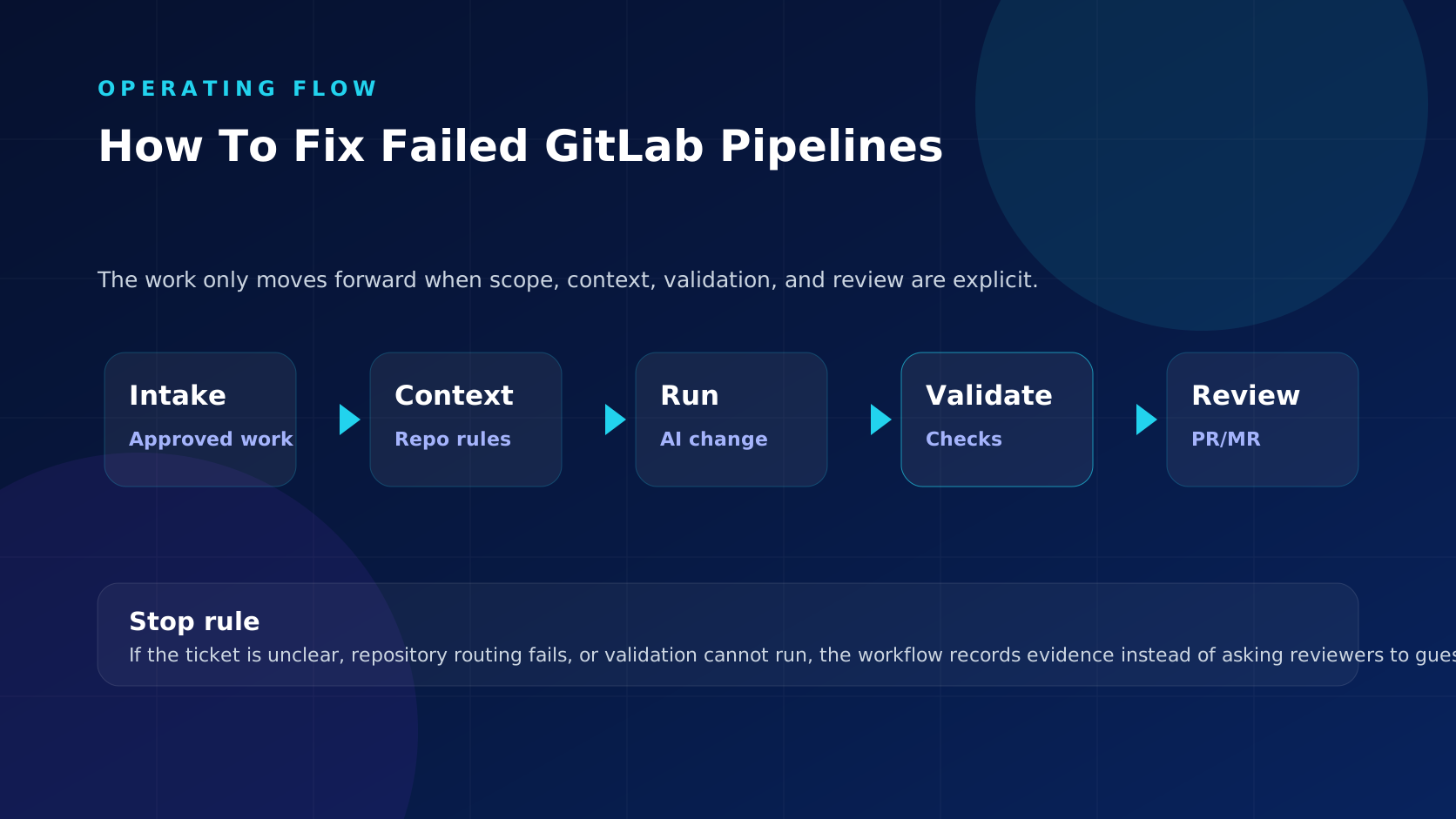
In practice, the GitLab pipeline troubleshooting guide should operate as a sequence of handoffs, not as a naming convention. The sequence below keeps GitLab as the system of record while the failed pipeline moves toward reviewable output.
- Start from the failed GitLab job, not from a private note, side conversation, or vague backlog item.
- Confirm the ready signal before anyone creates a branch or starts implementation.
- Bind the work to one repository route, branch convention, and review owner where possible.
- Carry the source key and scope summary into commits, branch name, and the fixed pipeline or MR update.
- Run the expected validation and record pass, fail, skip, and repair outcomes.
- Give the job owner and developer the evidence needed to approve, request changes, reject, or send the work back to triage.
What To Configure
Configuration for the GitLab pipeline troubleshooting guide should make the safe path easy and the unsafe path visible. In this case, the working focus is the failed pipeline, so statuses, labels, branch rules, templates, pipeline settings, or approval rules should change what can happen next.
- For the GitLab pipeline troubleshooting guide, make queue eligibility explicit in GitLab: a status, label, field, or approval should change what happens next.
- For the failed pipeline, keep routing concrete by naming the repository, component, service, package, or code owner before execution starts.
- In this GitLab workflow covering the failed pipeline, separate implementation authority from merge authority so delivery can move without weakening approval.
- The fixed pipeline or MR update should carry validation notes from the failed GitLab job for the failed pipeline, including skipped checks and failed repair attempts.
- Use human-only, needs-scope, or blocked states when the source request for the failed pipeline still needs judgment before code changes would help.
- Review GitLab rules for the GitLab pipeline troubleshooting guide with platform owners before expanding the queue to sensitive services or multi-repository work.
Review Evidence
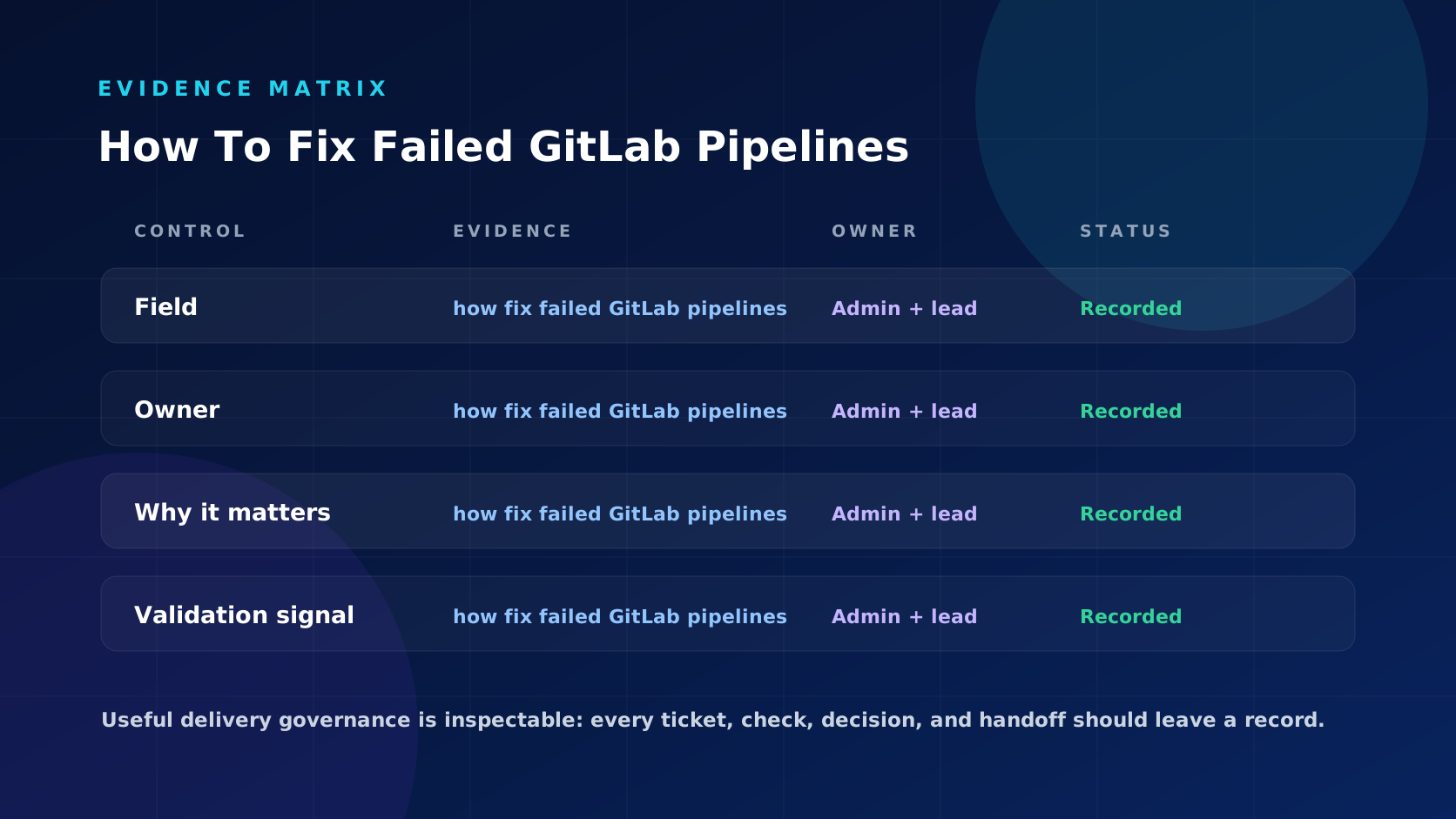
Reviewers using the GitLab pipeline troubleshooting guide should not have to infer whether the work was scoped correctly. The review packet for the failed pipeline should make the source request, implementation boundary, validation result, and final decision inspectable.
- The original request from the failed GitLab job for the failed pipeline: what was approved, by whom, and why it was eligible.
- The boundary for the failed pipeline: what files, service, component, or repository area the run was allowed to touch.
- The fixed pipeline or MR update should summarize what changed from the failed GitLab job for the failed pipeline and what was deliberately left out of scope.
- The validation record tied to the failed pipeline: which jobs, commands, or manual checks ran and what happened.
- The job owner and developer should leave a decision trail for the failed pipeline: approval, requested changes, rejection, rerun, or escalation.
Failure Modes To Avoid
The weak version of the GitLab pipeline troubleshooting guide looks organized in the tracker but still leaves reviewers to reconstruct the real story behind the failed pipeline. These are the patterns to stop early.
- The source record tied to the failed pipeline is marked ready even though acceptance criteria, owner, or repository route are missing.
- The GitLab pipeline troubleshooting guide produces a branch for the failed pipeline that combines unrelated work because the source request was too broad.
- The failed pipeline turns validation failure into a reviewer problem instead of a pre-review repair or stop decision.
- The fixed pipeline or MR update shows the diff for the failed pipeline but omits the source request, scope limit, skipped checks, or unresolved questions.
- The team reports activity around the failed pipeline without separating accepted changes from failed runs and cleanup.
Use workflow documentation for workflow documentation on the failed pipeline, validation and review controls for validation and review controls, and Explore ticket-to-code automation when this native handoff is clear enough to automate. Related operational pages: Jira Automation For Software Teams Practical Workflow Ideas, How To Link Jira Issues To GitLab Merge Requests, Jira Labels Best Practices For Software Teams.
Where MergeLoom Fits Later
MergeLoom should not replace the GitLab pipeline troubleshooting guide. It is useful when the team already has a clear GitLab path and wants automation to honor that path while preparing reviewable PRs or MRs.
The practical test is whether the failed pipeline produces less clarification work for developers and less reconstruction work for reviewers.
Rollout Checklist
- Start the GitLab pipeline troubleshooting guide on a low-risk queue with predictable repository ownership.
- Define the ready, blocked, validation failed, review ready, and human-only paths for the failed pipeline before opening the queue.
- Require every branch for the failed pipeline to carry the source work key and validation summary.
- Sample accepted and rejected changes for the failed pipeline weekly to see whether reviewers had enough evidence.
- Expand GitLab coverage for the failed pipeline only after the team can explain why work started, what changed, what checked, and who approved it.
Bottom Line
The GitLab pipeline troubleshooting guide is useful for the failed pipeline when it makes the next decision clearer: start, stop, repair, review, or keep the work human-only. If reviewers can see the source request, boundary, validation result, and approval decision for the failed pipeline in one path, the workflow is doing real operational work.
Explore ticket-to-code automation after your team has a reliable GitLab pipeline failures path and wants routine implementation work to follow it.